How to Send Alerts to Slack
This guide explains how to send Hellotracks alerts directly to Slack. Once configured, alerts are sent to the selected channel when the alert is triggered.
Before you start: Make sure your Slack workspace is connected to Hellotracks. To learn how to connect Slack, click here.
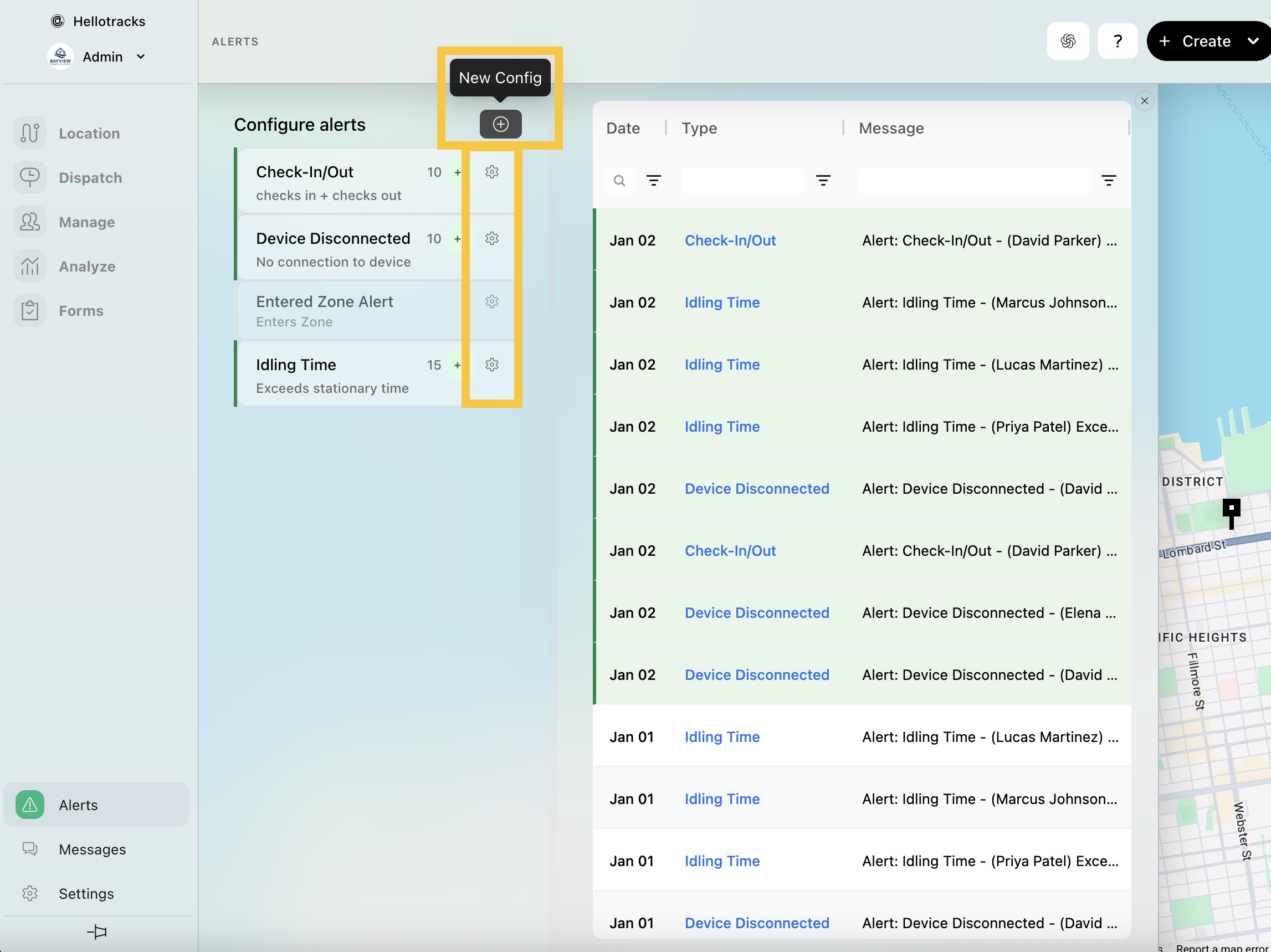
Step 1: Go to Alerts at the bottom of the main menu.

Step 2: Click (+) New Config to create a new alert, or click the gear icon to edit an existing alert.
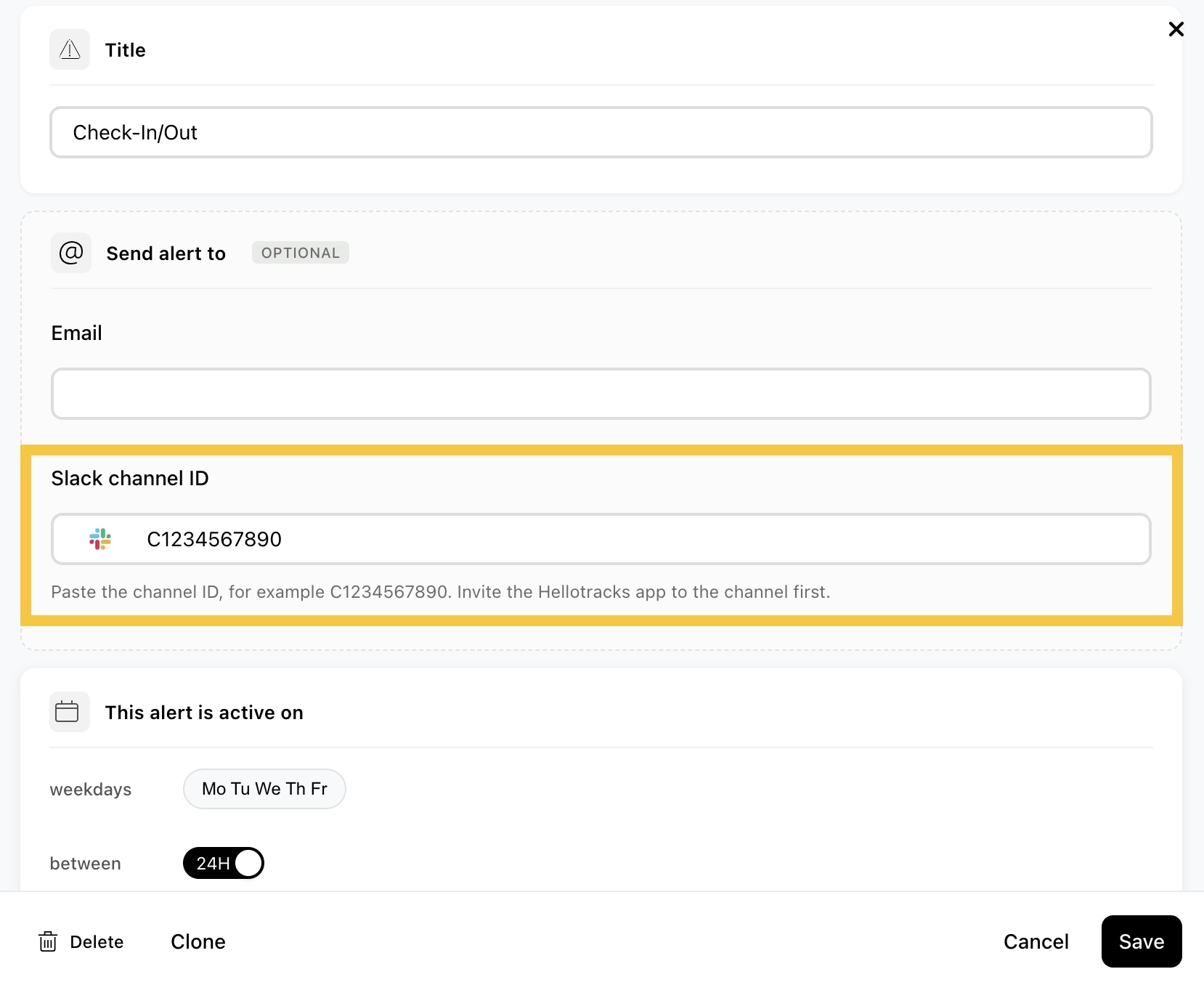
Step 3: In the Slack channel ID field, enter the channel ID where the alerts should be sent. You can retrieve the Slack channel ID from the channel’s URL.
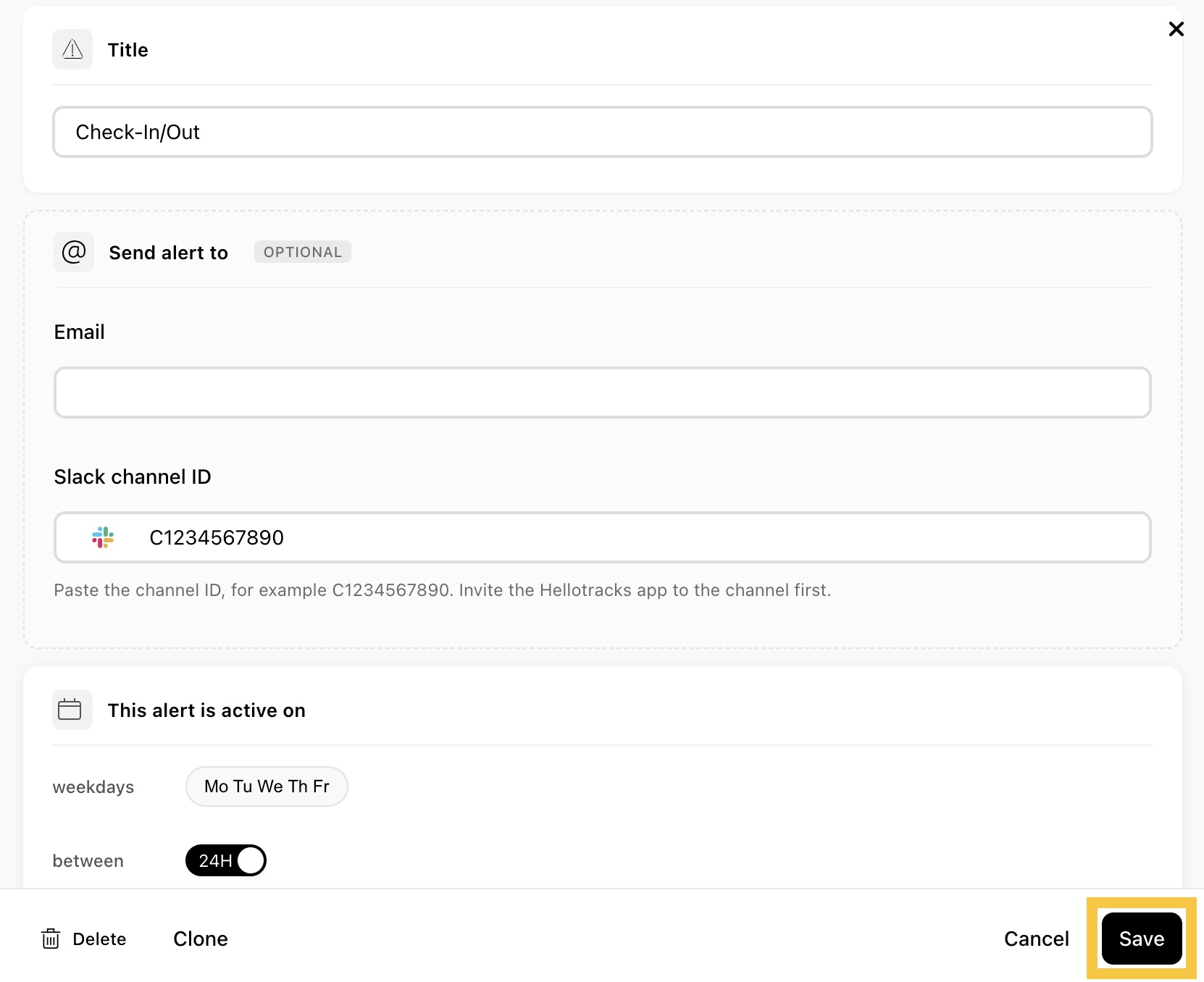
Step 4: Click Save.
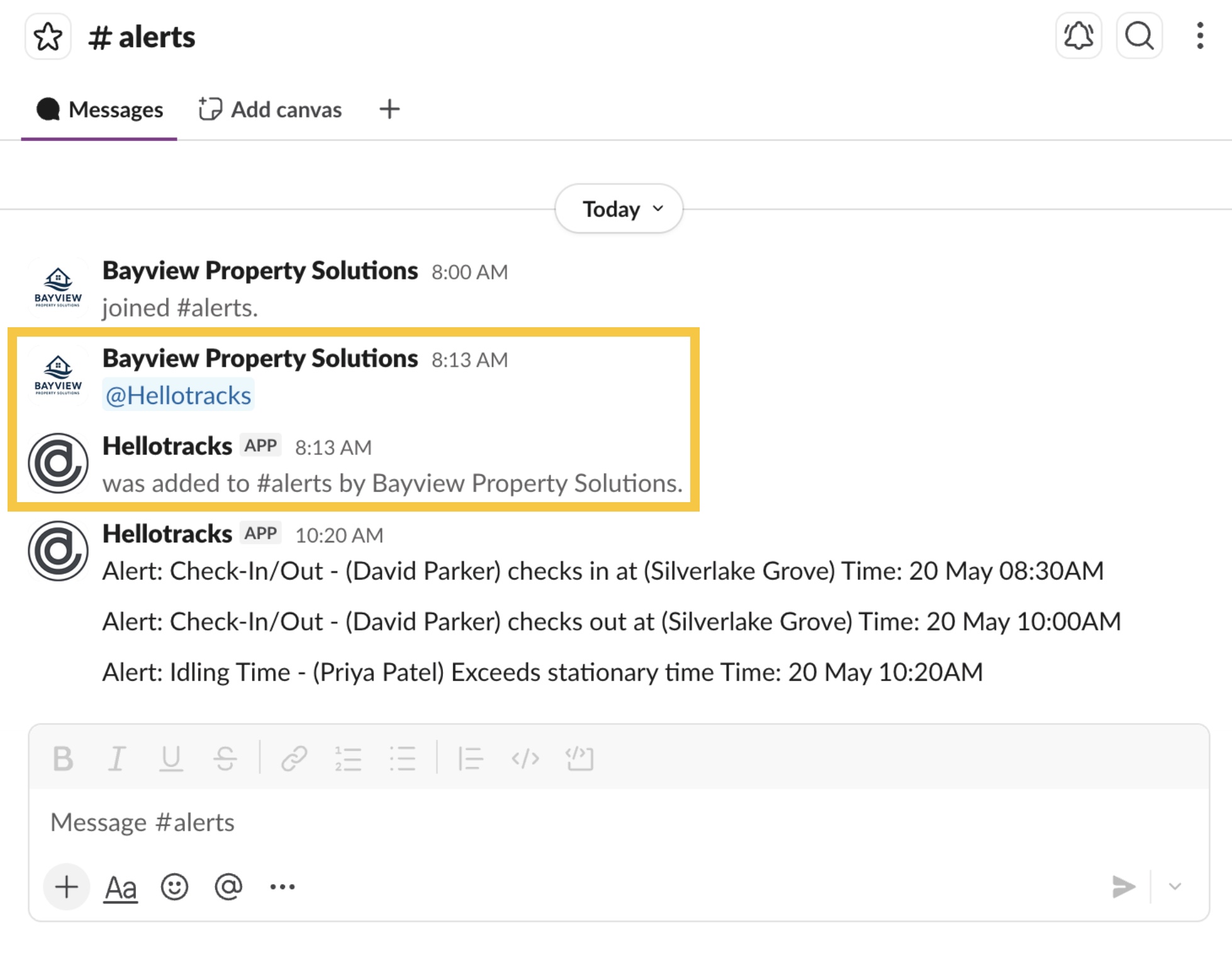
Step 5: In Slack, mention @Hellotracks in the selected channel, then add the app to the channel when prompted. Once the app is added, triggered alerts can be sent to that Slack channel.