How to Disable Two-Factor Authentication (2FA)
This guide explains how to disable two-factor authentication (2FA) for your own account or reset 2FA for another user in the web dashboard.
In this guide:
-
Disable 2FA For Your Own Account
Before you start: You’ll need access to your current authenticator app and your account password to sign in to the web dashboard and turn off 2FA.
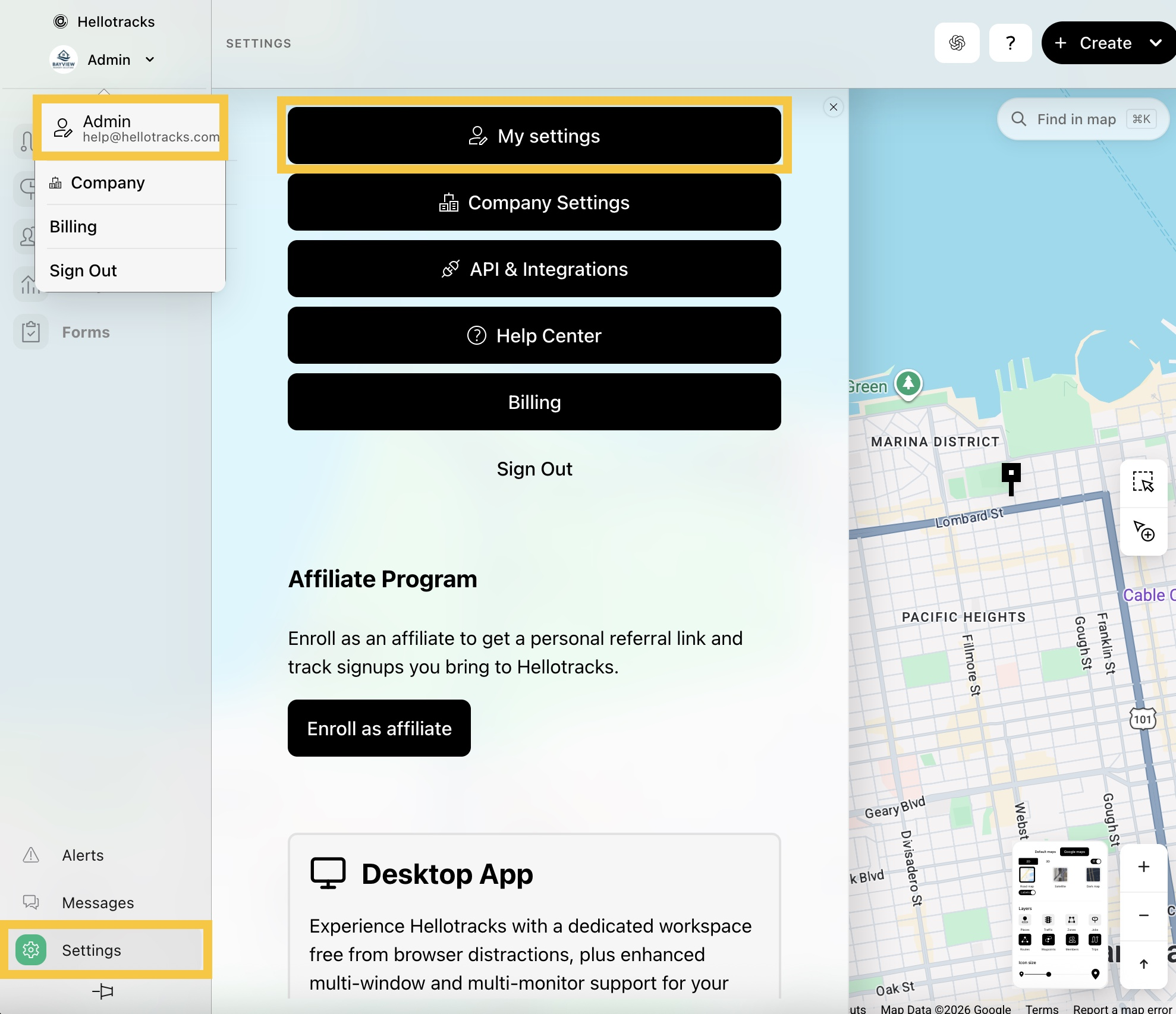
Step 1: Click the dropdown menu next your profile, then select your profile. Or, go to Settings at the bottom of the main menu and select My settings.
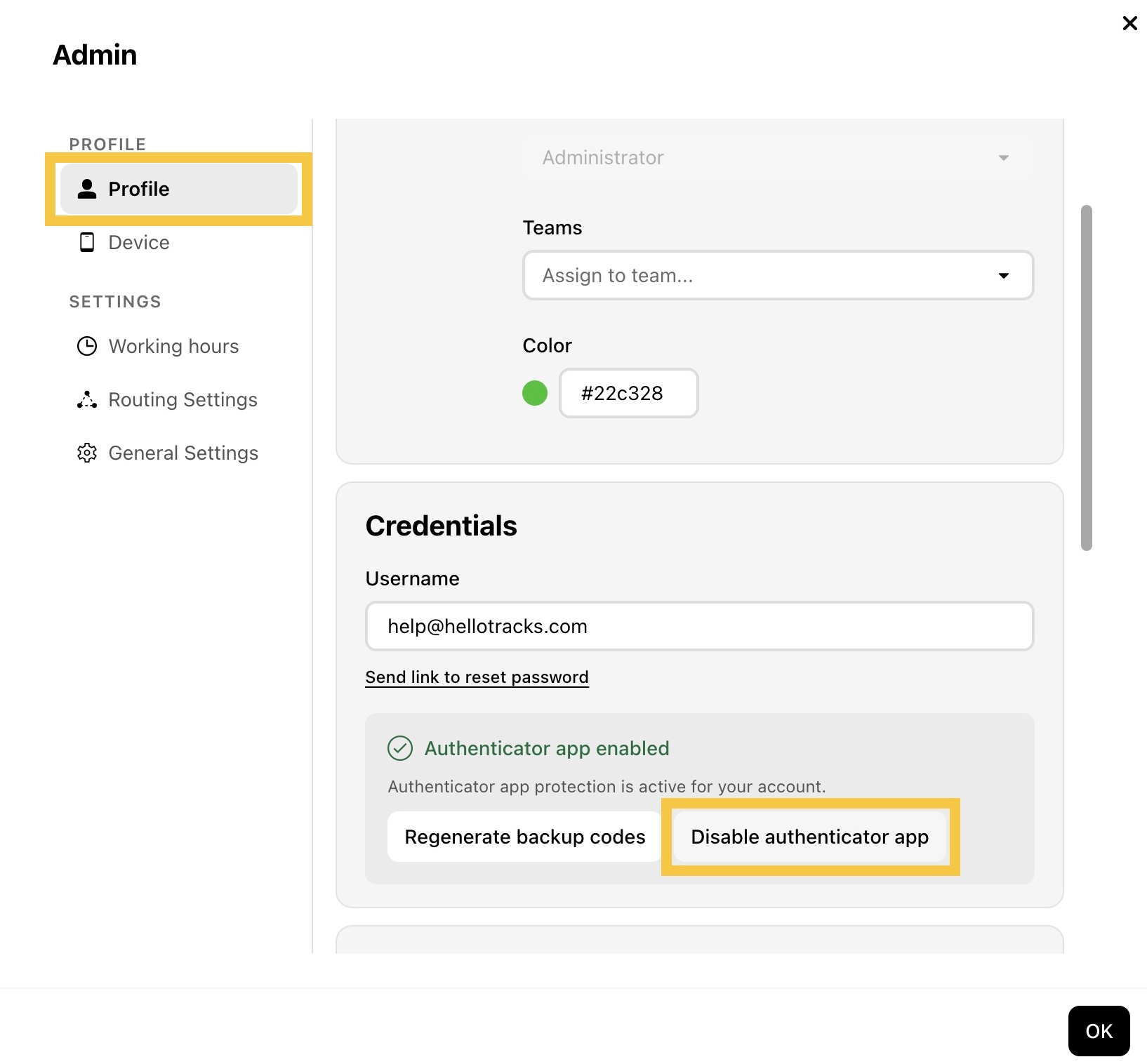
Step 2: In Profile, click Disable authenticator app.
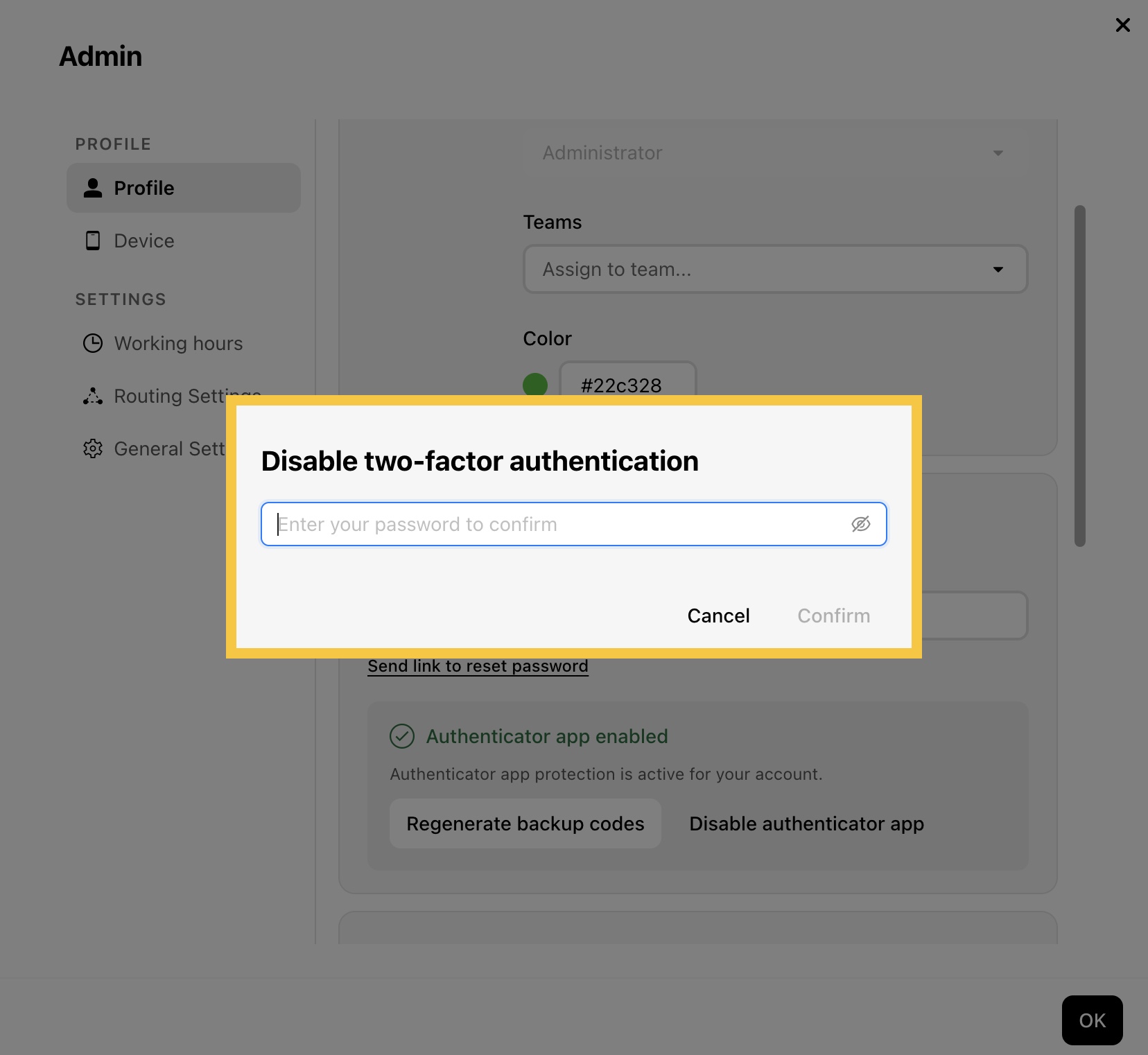
Step 3: Enter your password, then click Confirm.
-
Reset 2FA For Another User
If an Administrator or Operator no longer has access to their authenticator app or backup codes and cannot sign in to the web dashboard, an Administrator can reset 2FA for them.
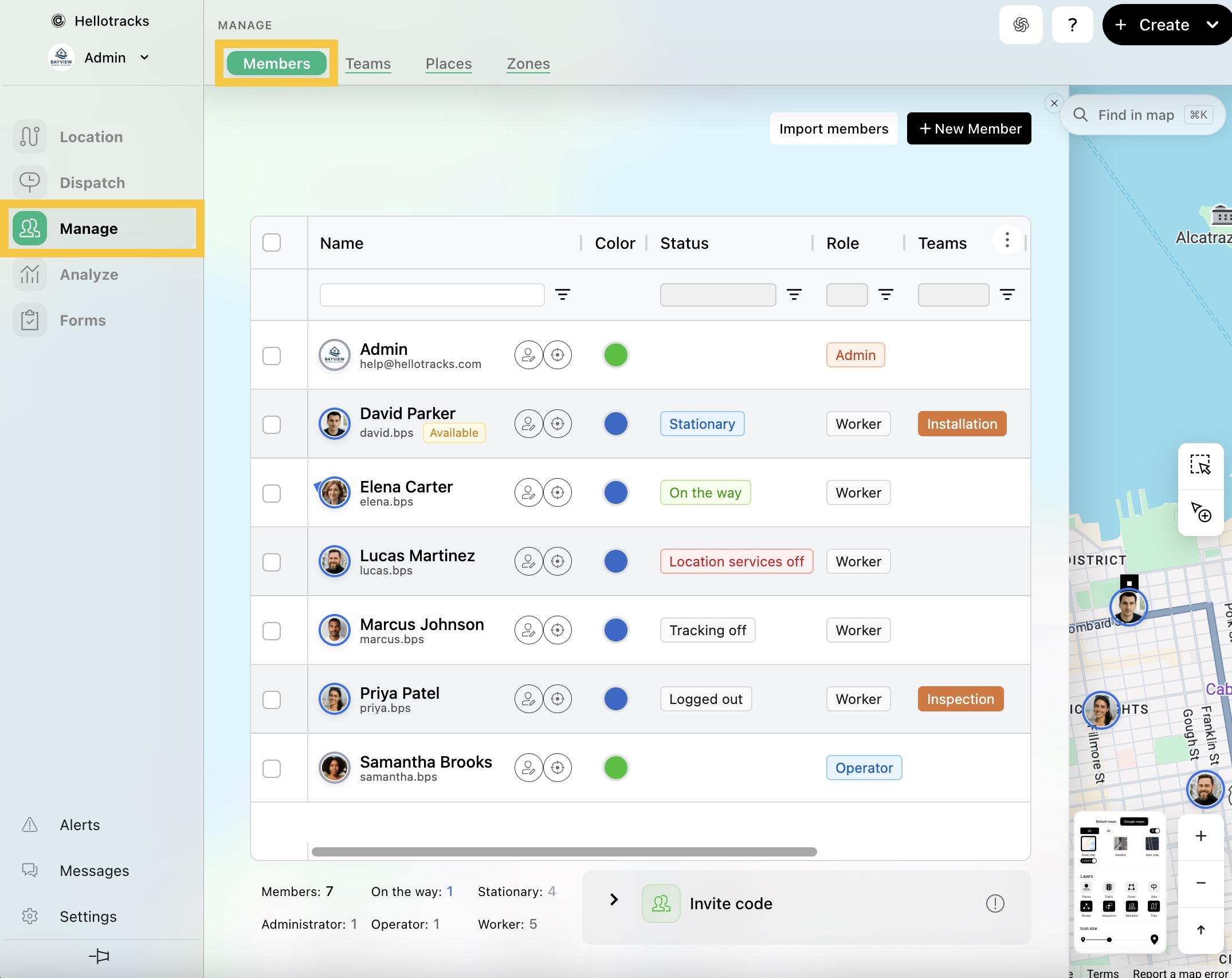
Step 1: Go to Manage from the main menu, then select Members.
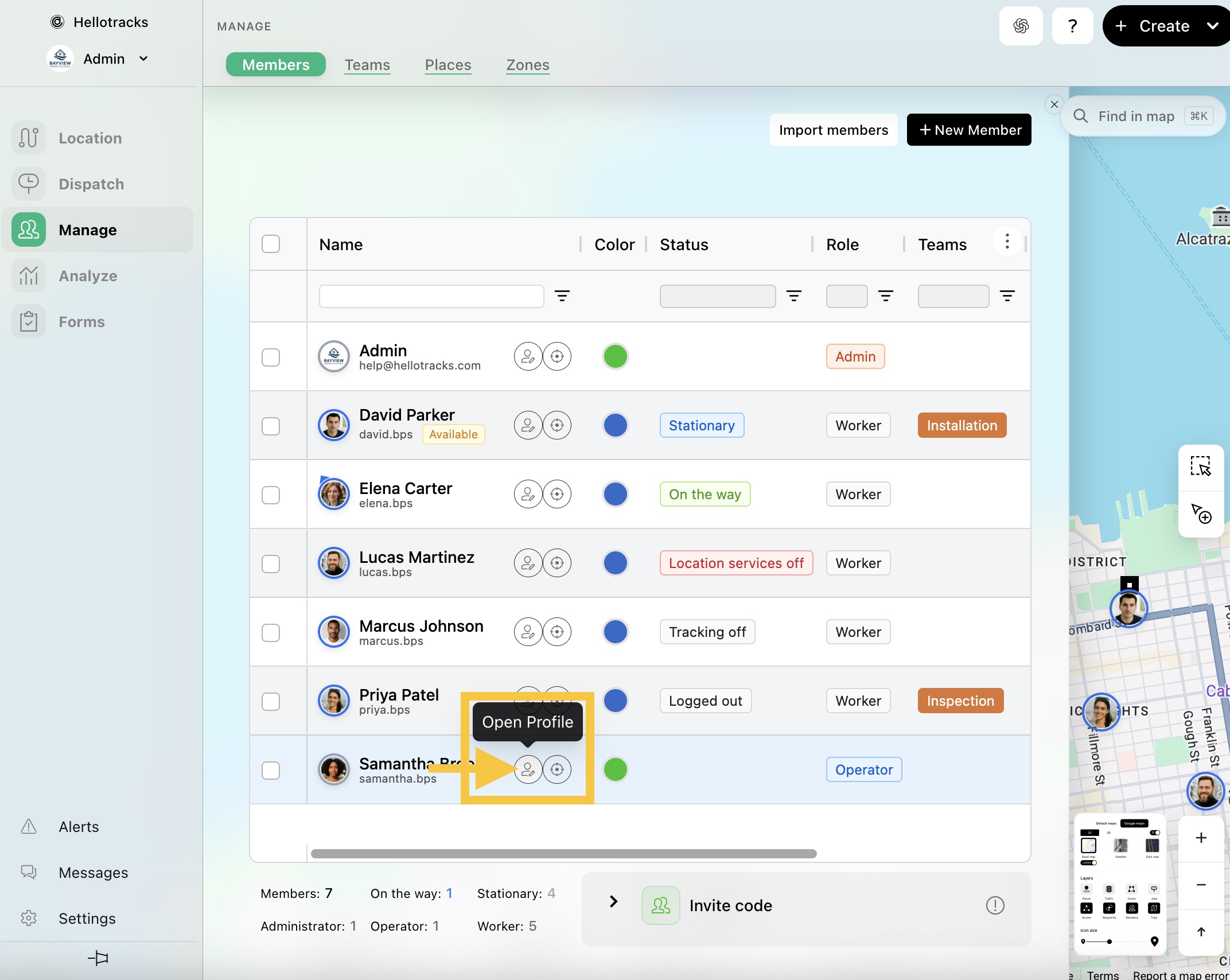
Step 2: Click the Open Profile icon of the member whose 2FA you want to reset.
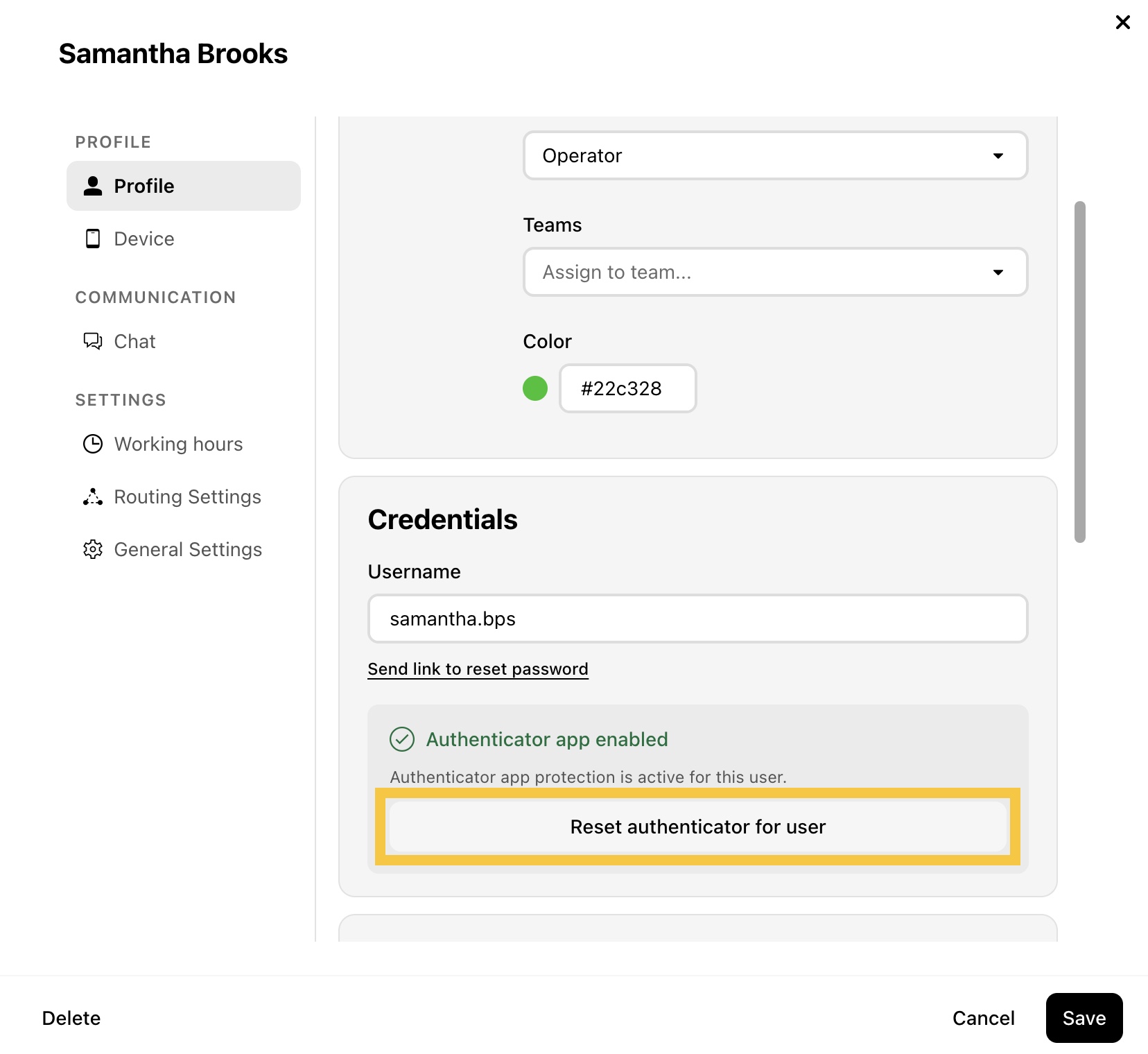
Step 3: Click Reset authenticator for user, then click Confirm.