How to Search Jobs
This guide explains how to search for Jobs to quickly locate them by title, address, order number, or Job ID within a selected date range or across all dates.
Step 1: Go to the Dispatch menu, then select All.
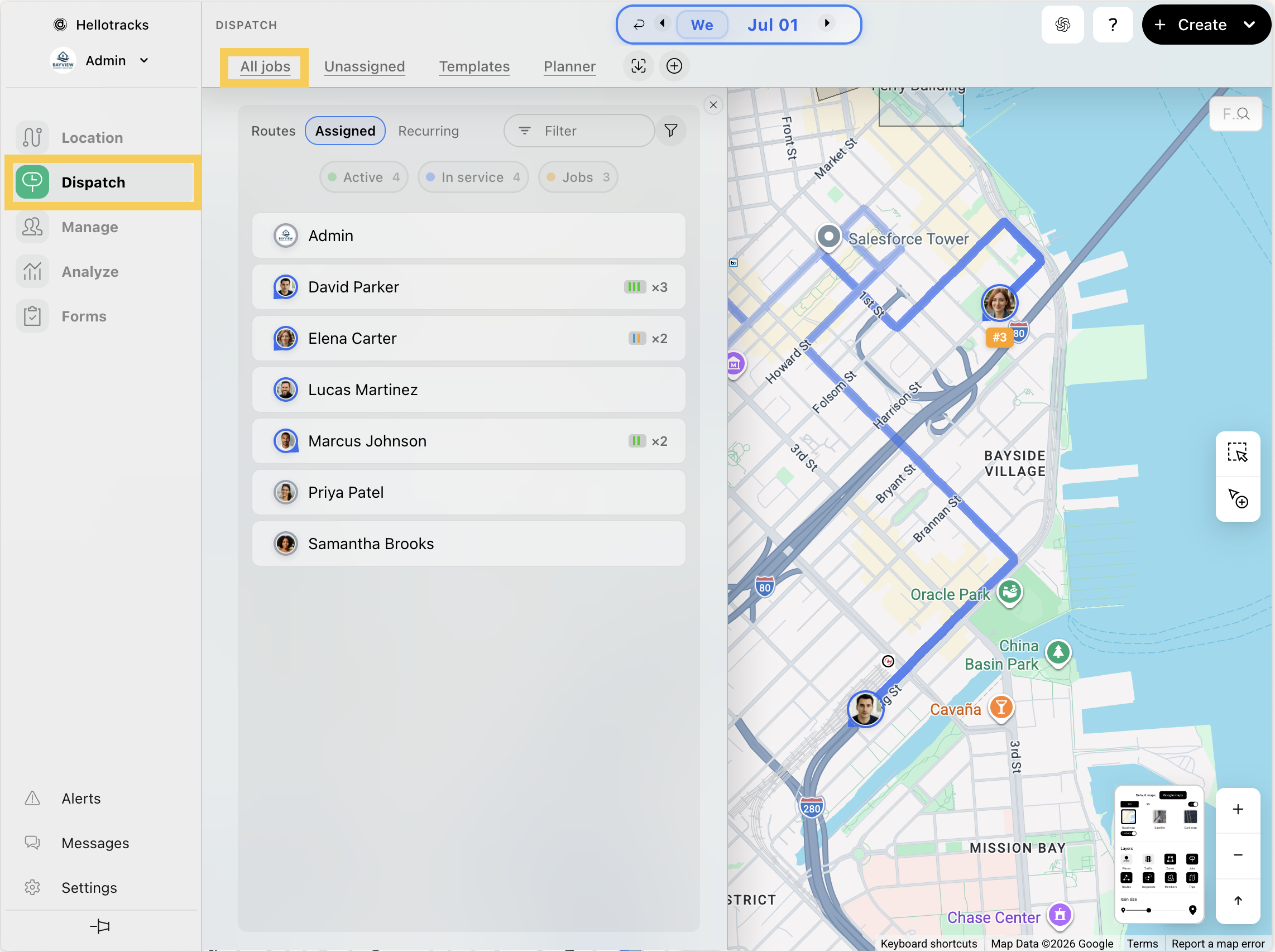
Step 2: Click Search jobs.

Step 3: Enter a keyword (e.g., title, address, order number, or Job ID).

Step 4: Choose In selected range or In all dates to filter results, then click Done.

Step 5: Click Edit search to modify the keyword or date range.
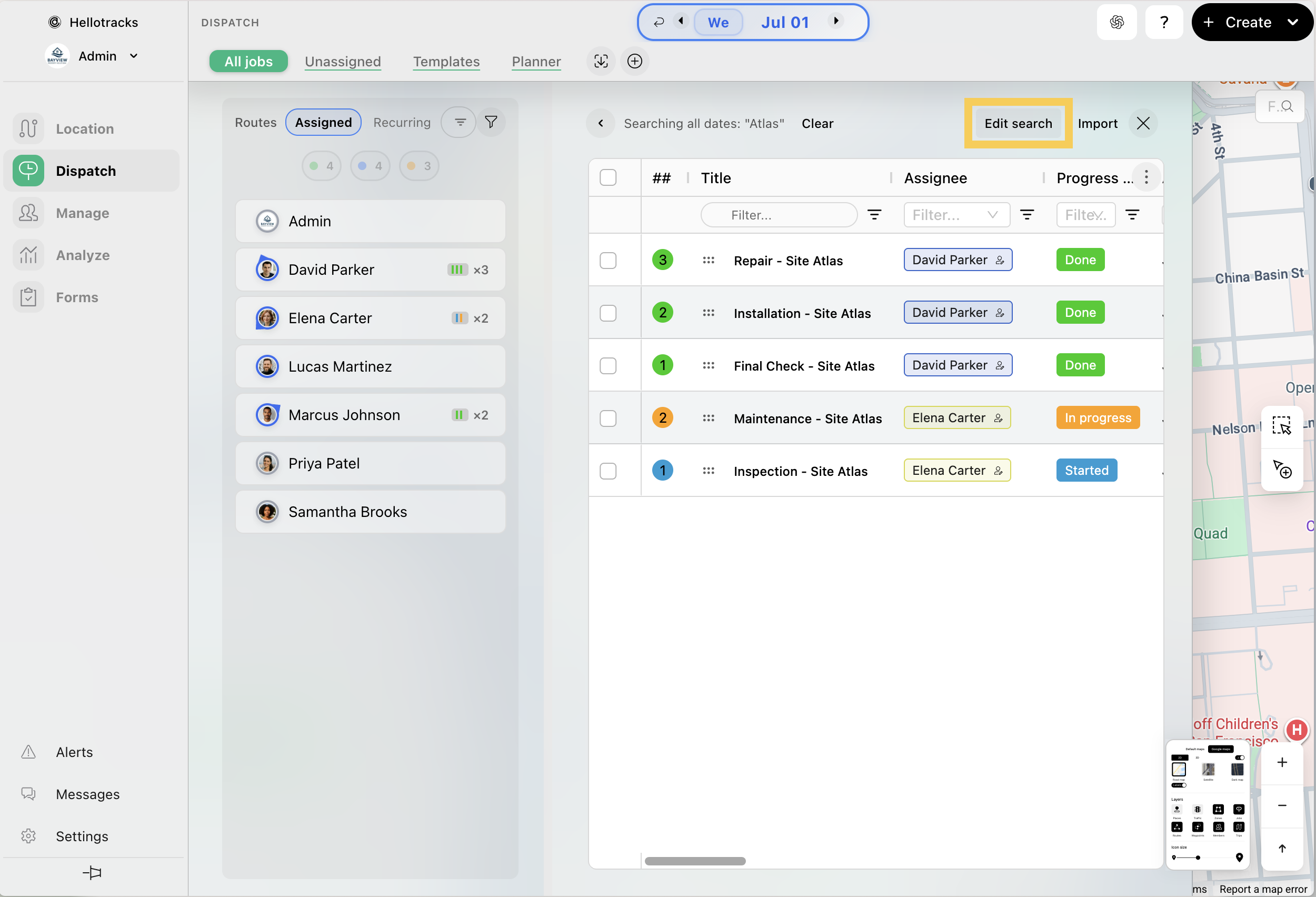
Step 6: Click Clear to remove the search and reset the results.
