How to Set Up Your Hellotracks Business Account
The easiest way to set up your Hellotracks Business account is on our website. The first 30 days are free, and you don't need a credit card. This guide walks you through:
Signing up on the website
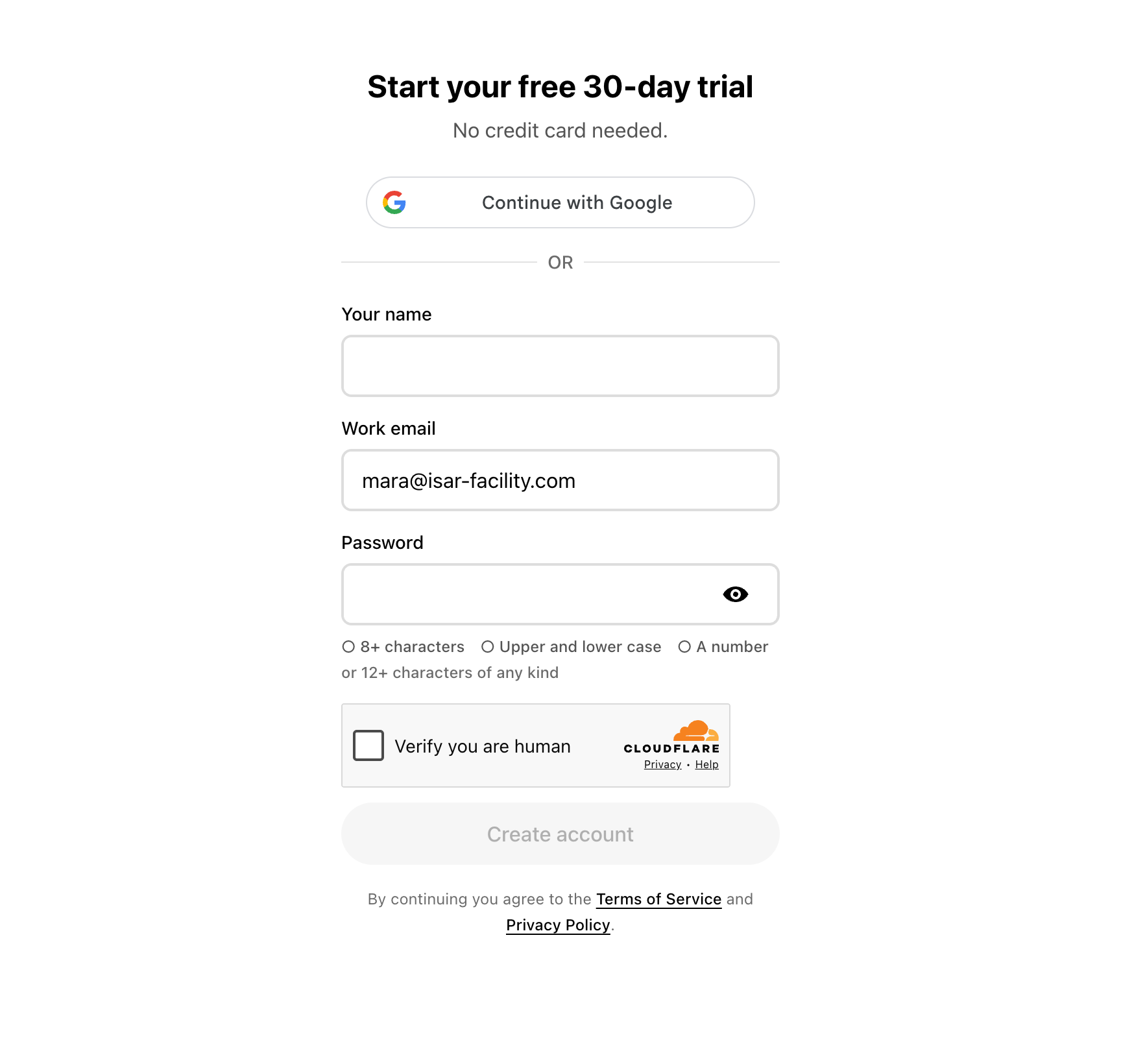
Step 1: Open hellotracks.com and start a free trial, or open live.hellotracks.com/signup directly.
Step 2: On Start your free 30-day trial, the fastest way is Continue with Google: pick your Google account and go on with Step 5. Your email is then already confirmed. Without Google, enter Your name, Work email and a Password. Below the password you see which rules it already meets: 8+ characters, Upper and lower case and A number, or 12+ characters of any kind. Wait for the short security check, then click Create account.
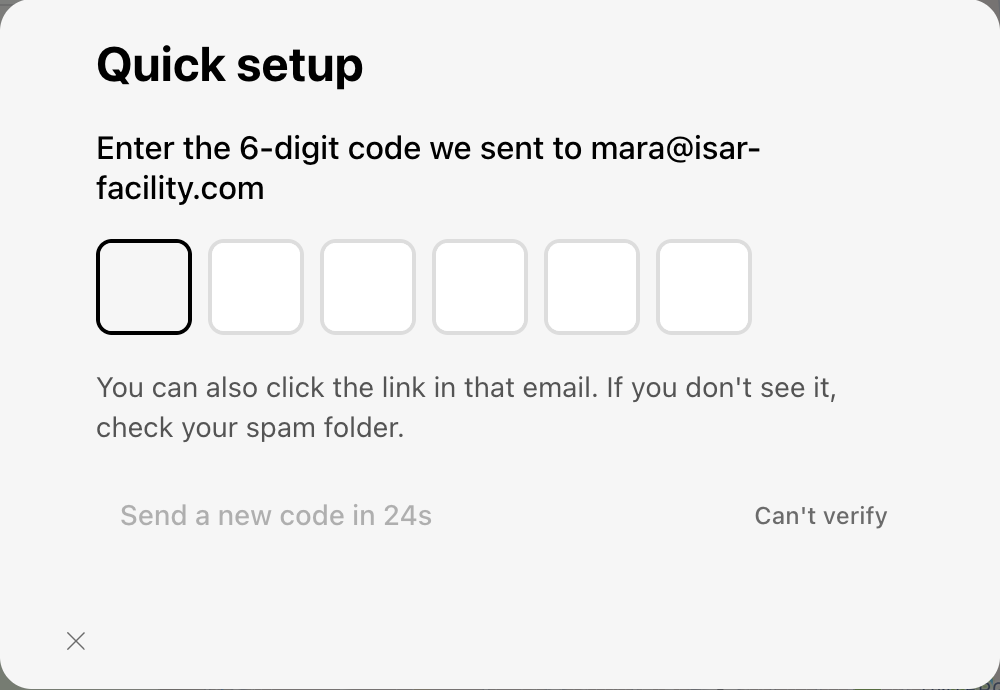
Step 3: Quick setup opens. Enter the 6-digit code we sent you by email, or click the link in that email. No email? Check your spam folder, or click Send a new code.
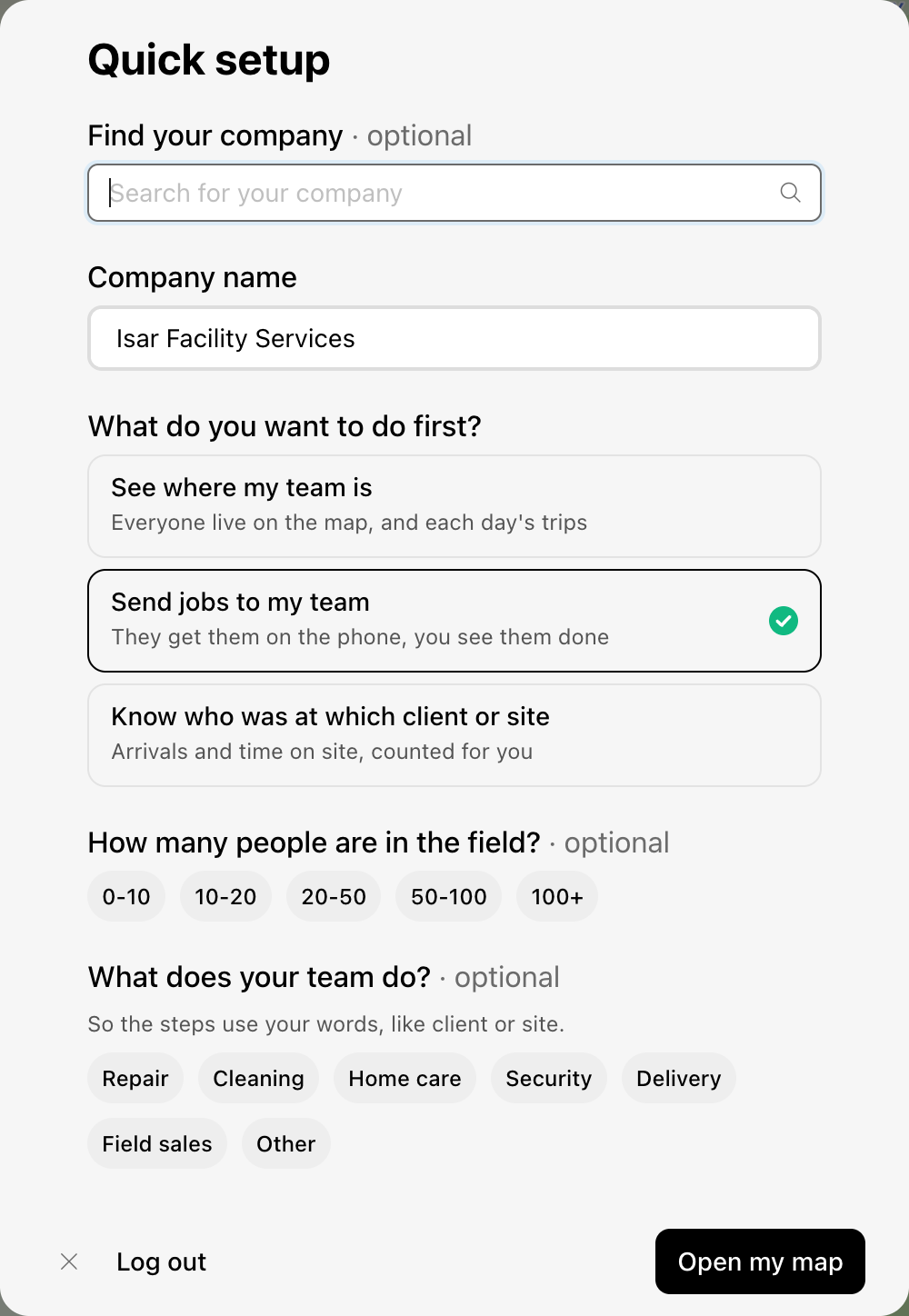
Step 4: Under Find your company, you can search for your company and pick it from the list. We then fill in its name and address. This is optional: if you don't find it, just type the name under Company name. The setup asks for the address later on the map, once the first phone is there.
Step 5: Under What do you want to do first?, pick where you want to start: See where my team is, Send jobs to my team or Know who was at which client or site. This picks your first setup steps; you get every feature either way. If you like, also say How many people are in the field? and What does your team do?. The second one makes the steps use your words, like client or site.
Note: On a phone or tablet, Quick setup asks you to pick your company's address right away.
Step 6: Click Open my map. Your company is created, and your 30-day trial starts.
Step 7: On the Live map, a setup card now takes you one step at a time, for example Step 1 of 4. The first step gets your team on the map: click Copy invite and send the invite to your team by WhatsApp, text or email. They install Hellotracks and tap I have an invite code on the first screen.
Nobody on the map yet? Click Start a practice crew: five simulated people drive around your area for 3 days, so you can try everything before anyone installs the app. To learn more, see Try Hellotracks with a Practice Crew.

Step 8: If you didn't pick your company in Quick setup, the next step asks Where is your company based? once the first phone is on the map. Type the address or company name, click Use my location, or click Pick on the map and click the spot. It becomes your first place on the map, and arrivals and departures there are counted. Until then, the map shows the whole world.
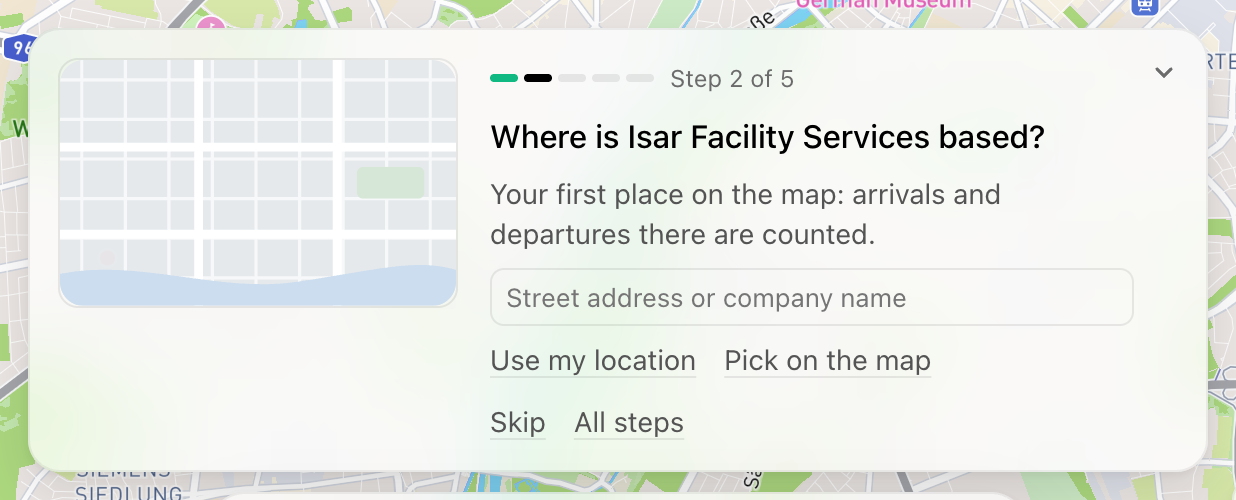
Note: The steps tick off by themselves when they happen, for example when the first job comes back done. Skipped steps wait at the end. To open the setup card again, click your name at the top of the main menu and select Setup.
Trial: Nothing is charged during the 30 days. From day 14, the web dashboard asks you to pick a plan and enter your payment details. You're only charged when the trial ends.
Signing up in the mobile app
Did you create your account in the Hellotracks app? If you chose My company there, your company already exists: log in to the web dashboard with the same email. Otherwise, turn your account into a business account:
Step 1: Log in to the web dashboard with the same login as in the app (see Logging in and out).
Step 2: Click Try Business.
Step 3: Follow Quick setup from Step 3 above: confirm your email, find your company or type its name, pick what you want to do first and click Open my map.
You can change your company's name, logo and address anytime: click your name at the top of the main menu, select Company settings and then Company profile.
Logging in and out
To log in, open live.hellotracks.com/login, enter your email and password and click Log in. If you signed up with Google, click Continue with Google. If your company uses single sign-on, click Single Sign-On (SSO).
To log out, click your name at the top of the main menu and select Log out.
Field workers log in in the Hellotracks app. The web dashboard is for Administrators and Operators.
What's next? See First Steps.