How to Export Alert Records
This guide explains how to export alert records to review or share triggered alert activity by your team members.
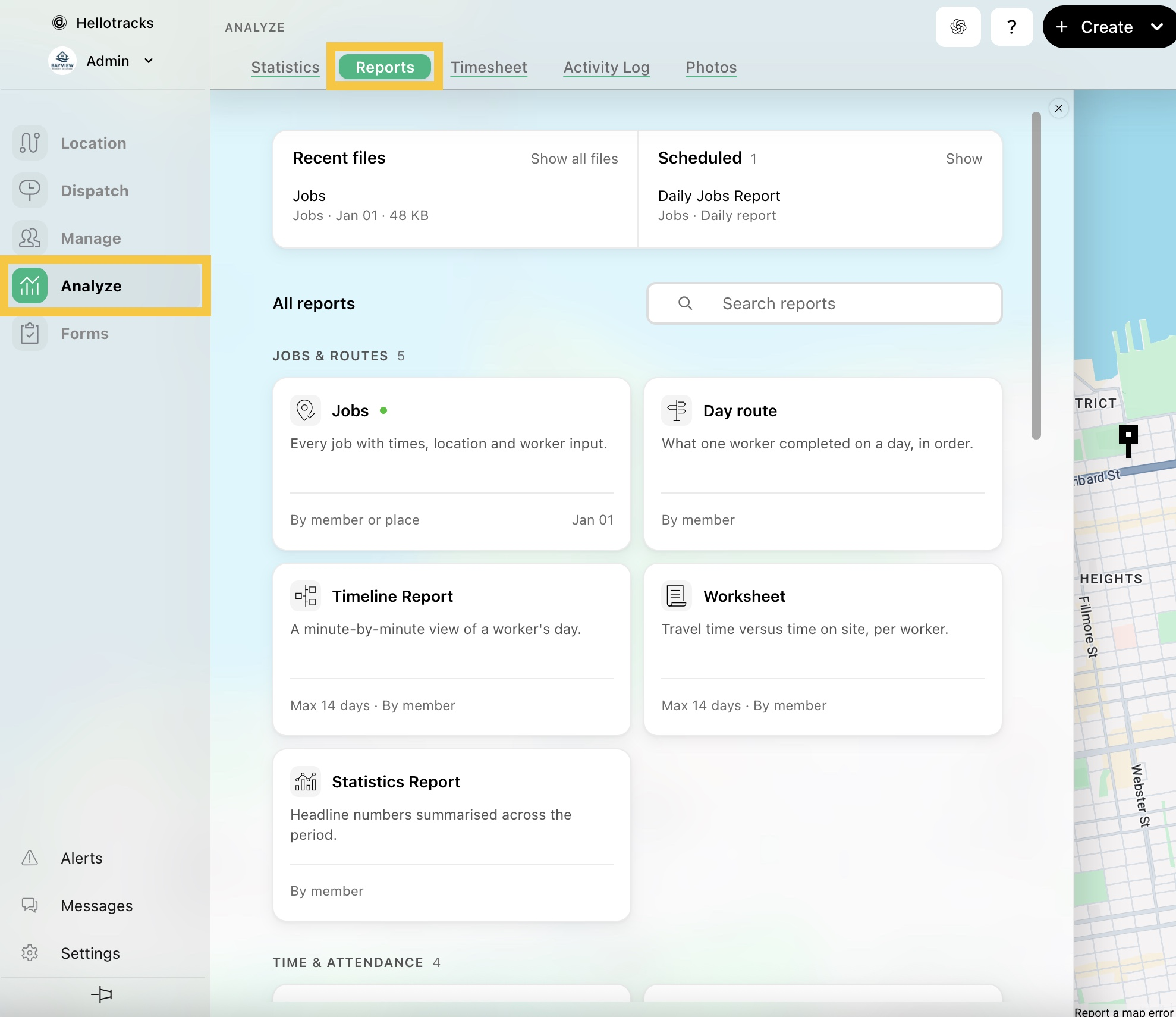
Step 1: Go to Analyze from the main menu, then select Reports.
Step 2: Select Alerts as the report type.

Step 3: Select the start and end dates for the report.

Step 4: Confirm the format (xlsx, csv, geojson, or pdf), then click Run.
