How to Copy an Alert
This guide explains how to copy an existing alert and save it as a new alert.
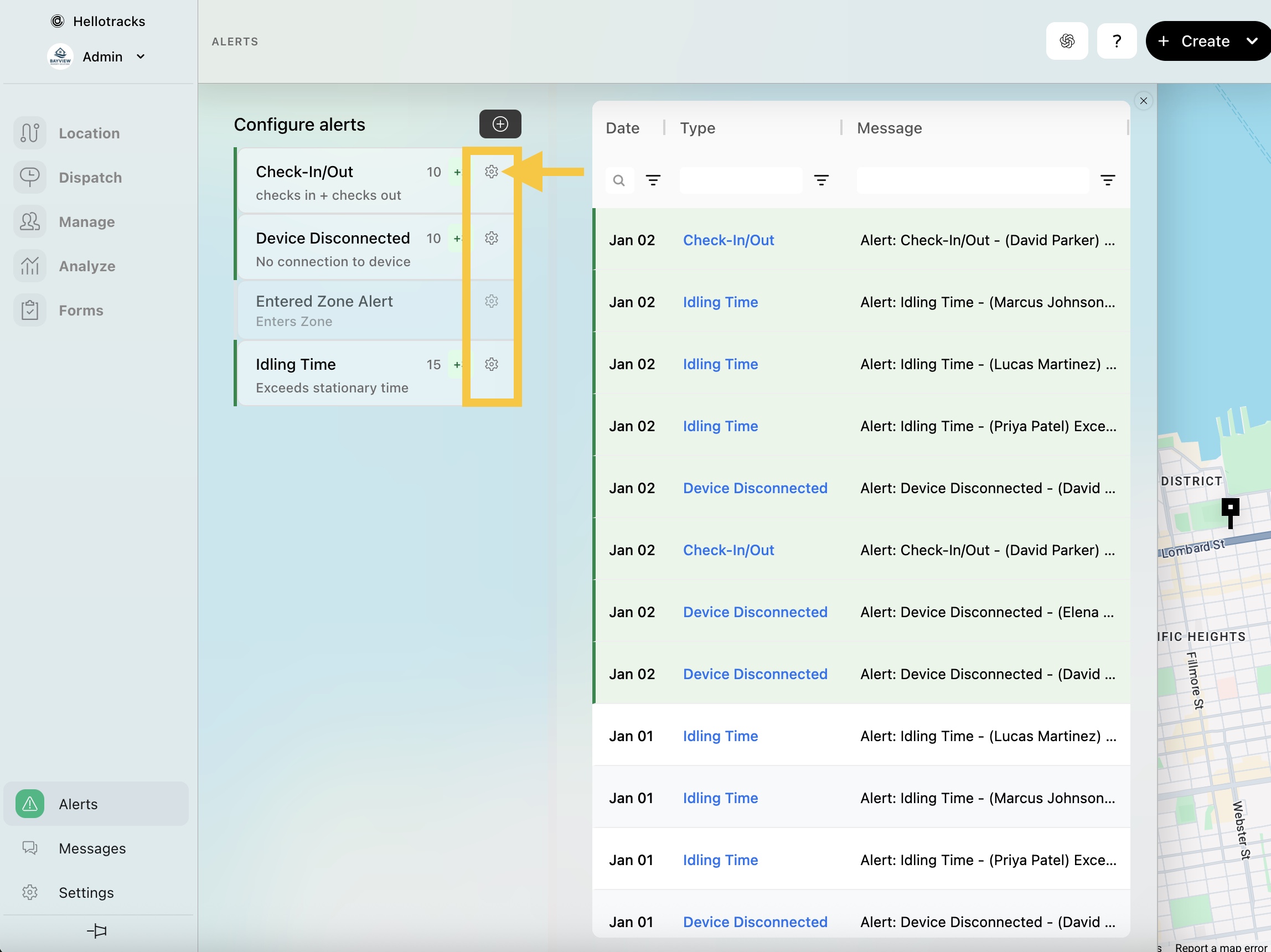
Step 1: Go to Alerts at the bottom of the main menu.

Step 2: Click the gear icon on the alert you want to copy.
Step 3: Click Clone.

Step 4: Enter a Title, then click Save.
