How to Edit Job Completion Form Responses
The answers your workers give in a job's completion form show in the job sheet under What happened. You can correct them after the job is finished, for example when a value was typed in wrong.
Step 1: Go to Dispatch and pick the day. Find the job on a person's route, or click All jobs to see every job.

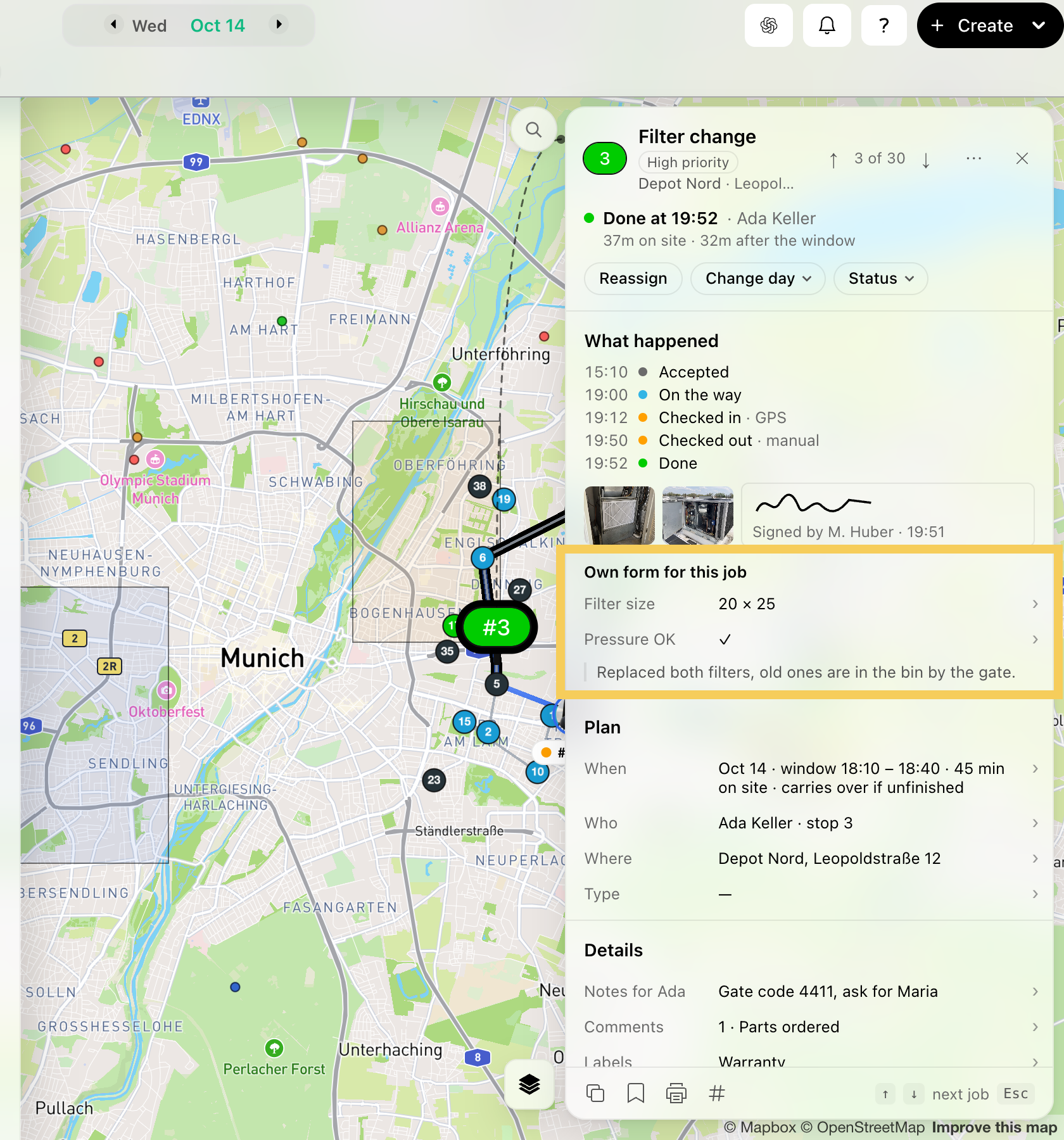
Step 2: Click the job. It opens in the job sheet on the right, next to the map.

Step 3: Under What happened, you see the answers from the completion form.
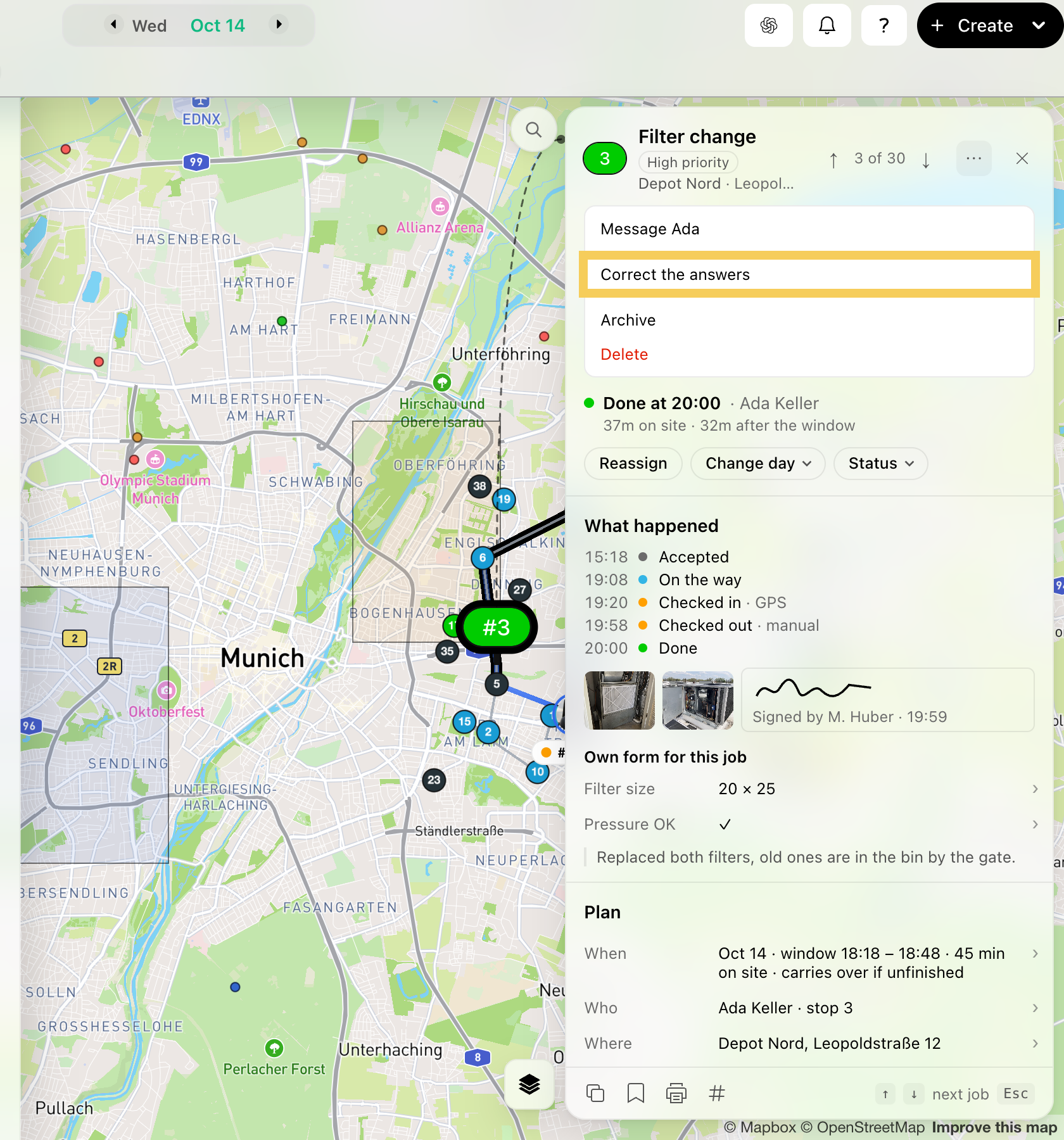
Step 4: Click ⋯ (More) at the top of the sheet, and click Correct the answers.
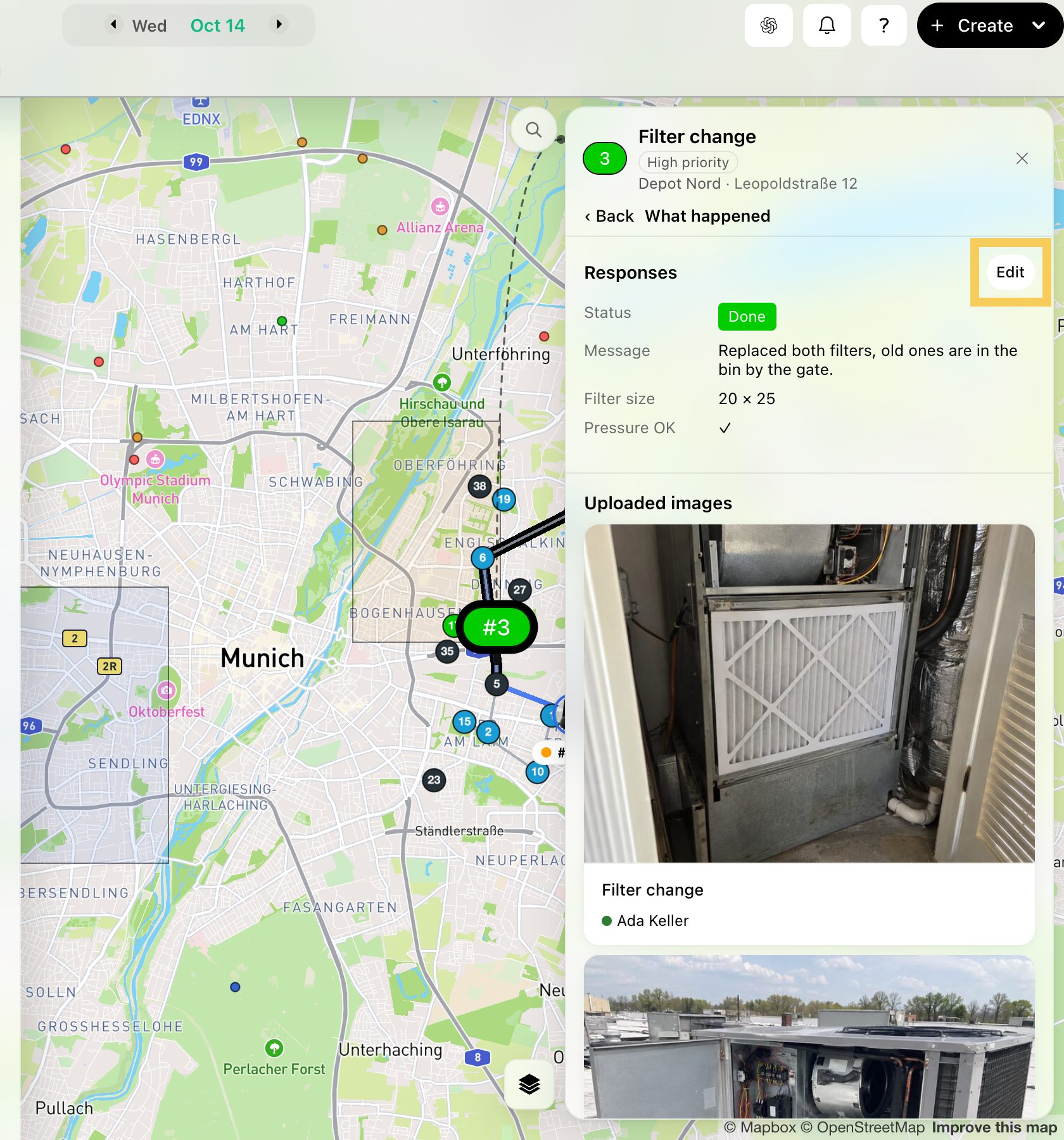
Step 5: Under Responses, click Edit.
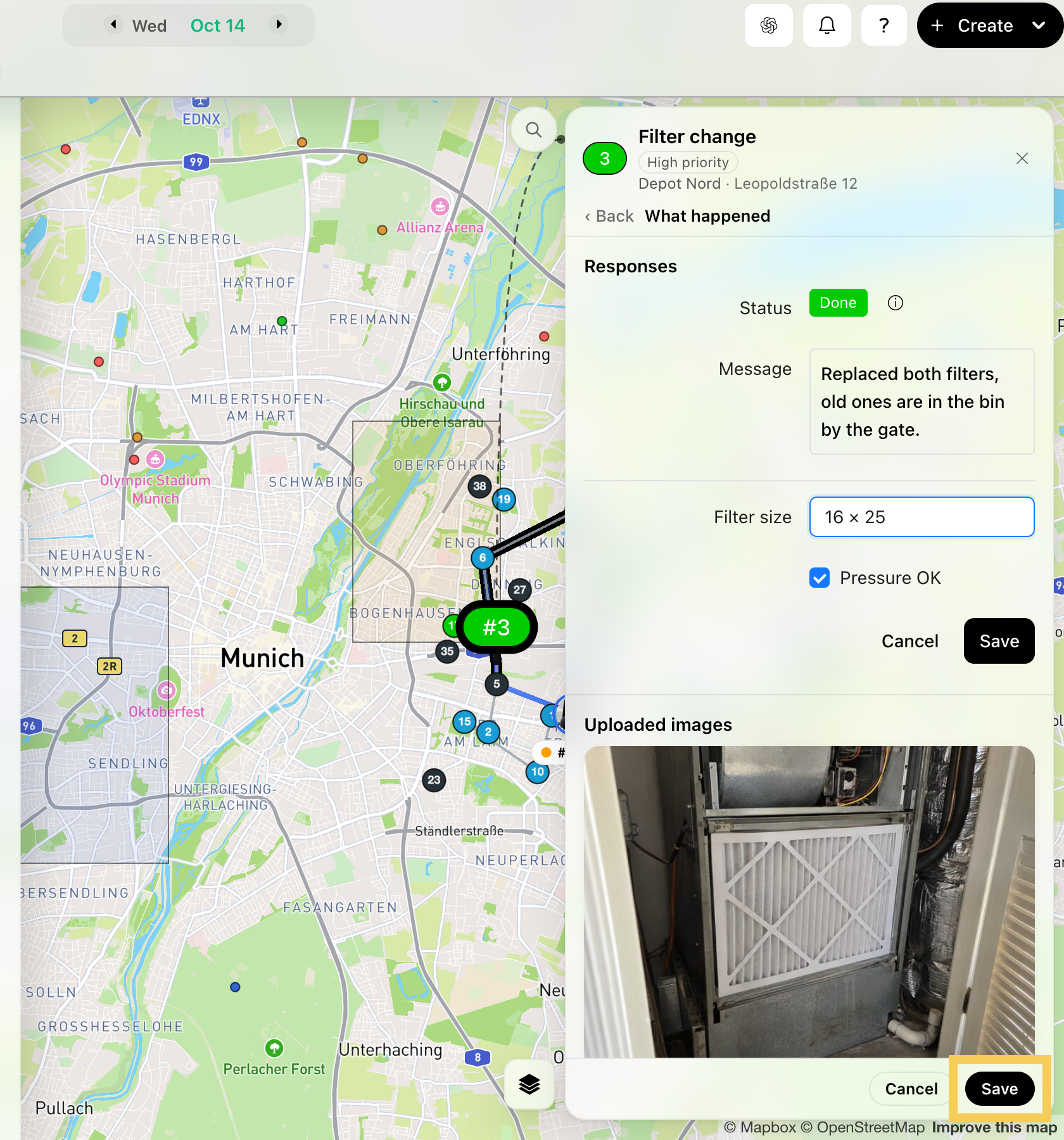
Step 6: Correct the answers, then click Save at the bottom of the sheet.