How to Set Up a Battery Low Alert
A Battery Low Alert lets you notify your team members in the mobile app when their battery is at or below 20% and the device is not charging. This helps them take action before the device powers off, keeping tracking active and reducing missed location updates during work.
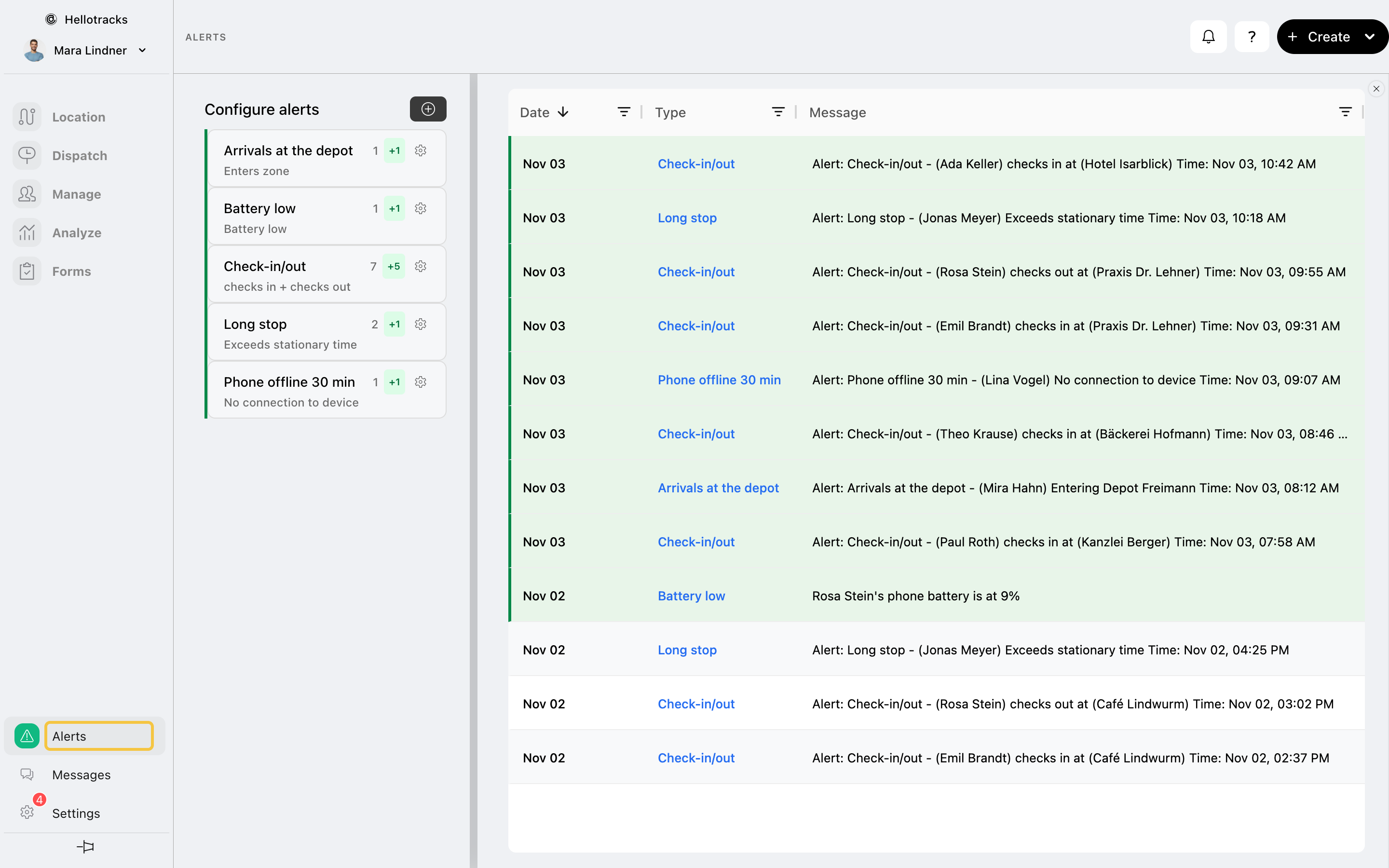
Step 1: Go to Alerts at the bottom of the main menu.
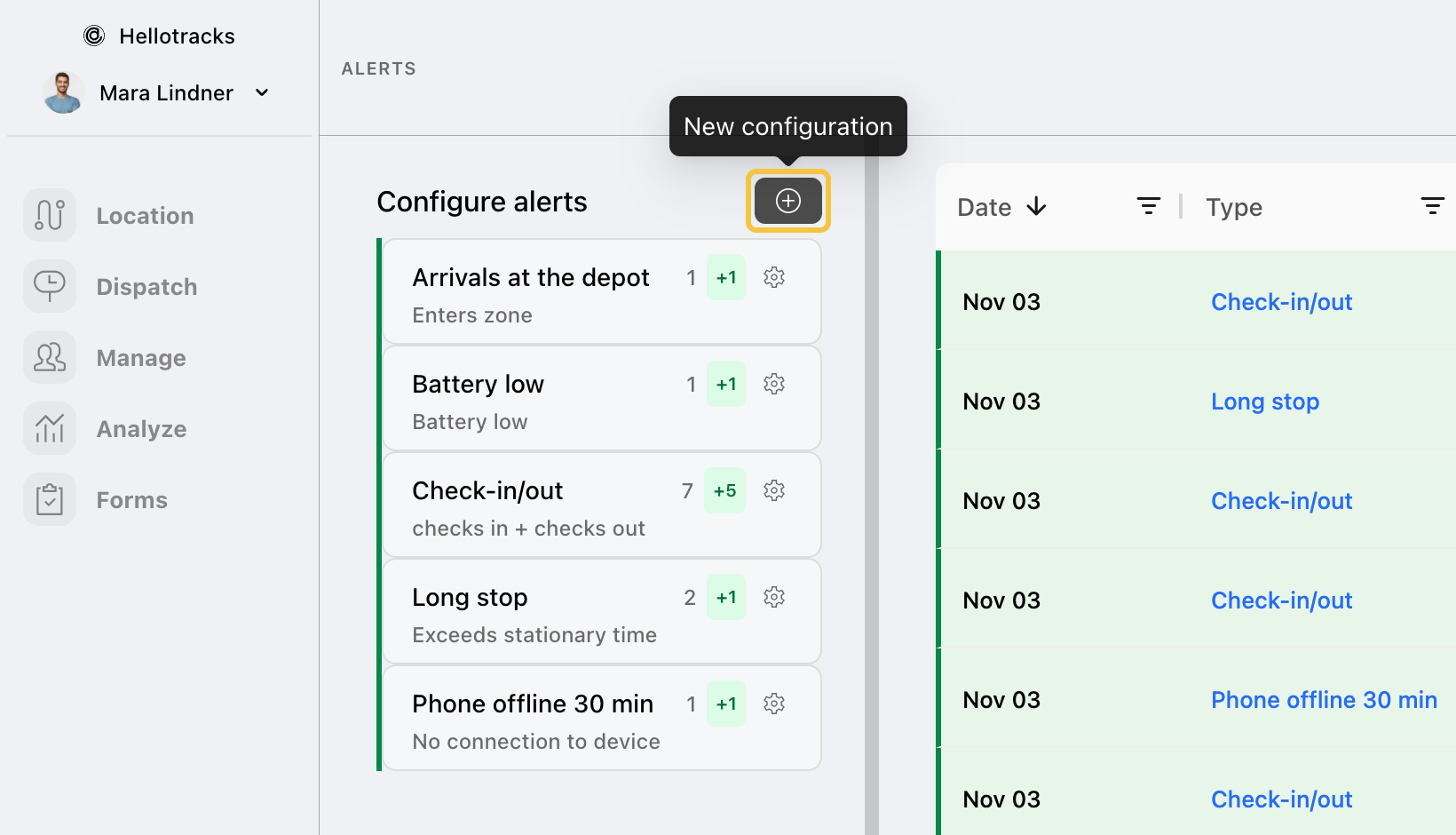
Step 2: Click the + button next to Configure alerts.
Step 3: Enter a Title for the alert.

Step 4: Choose whether to apply the alert to specific Members or a Team. To learn how to create a team, click here.

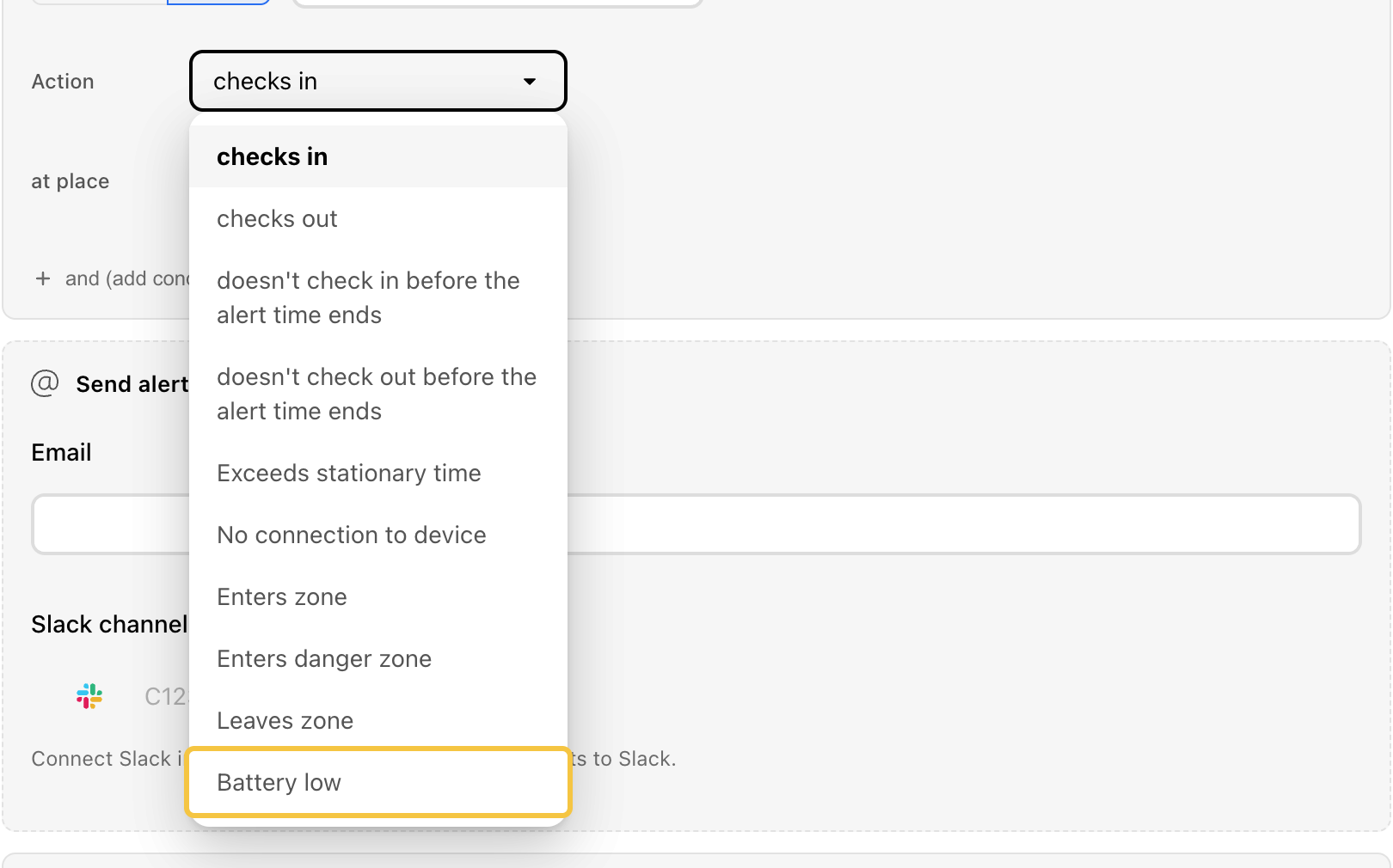
Step 5: In Action, select Battery low.
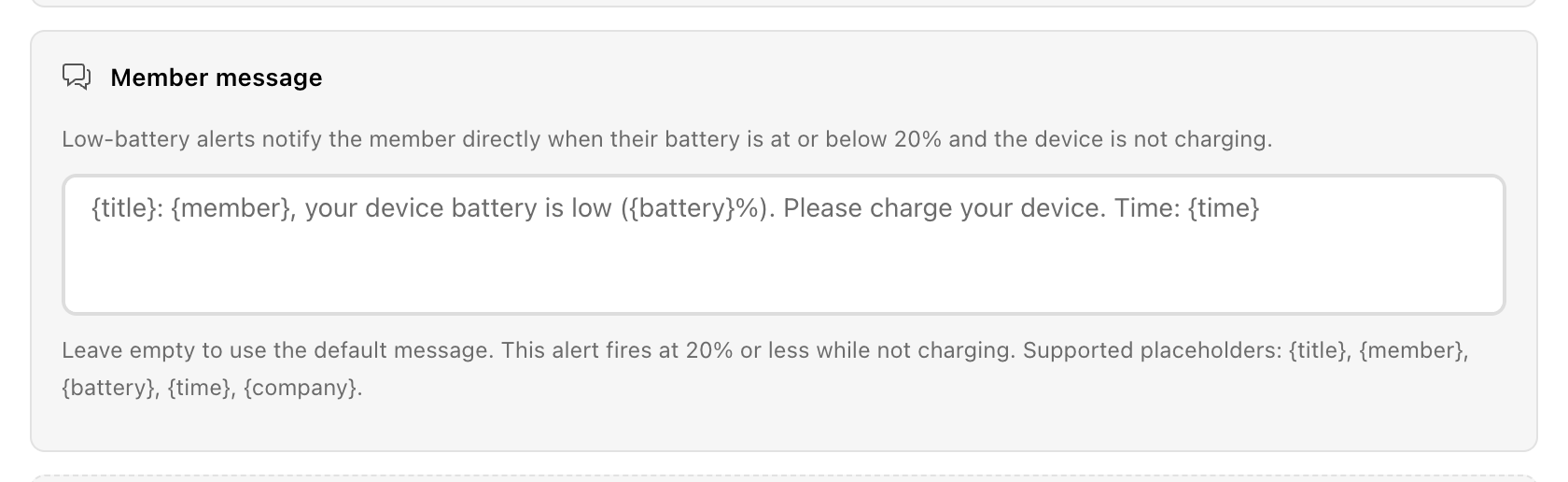
Step 6: In Member message, customize the message that will be sent directly to the member, or leave the field empty to use the default message.
You can use the supported placeholders to automatically include alert details in the message: {title} , {member} , {battery} , {time} , {company} .
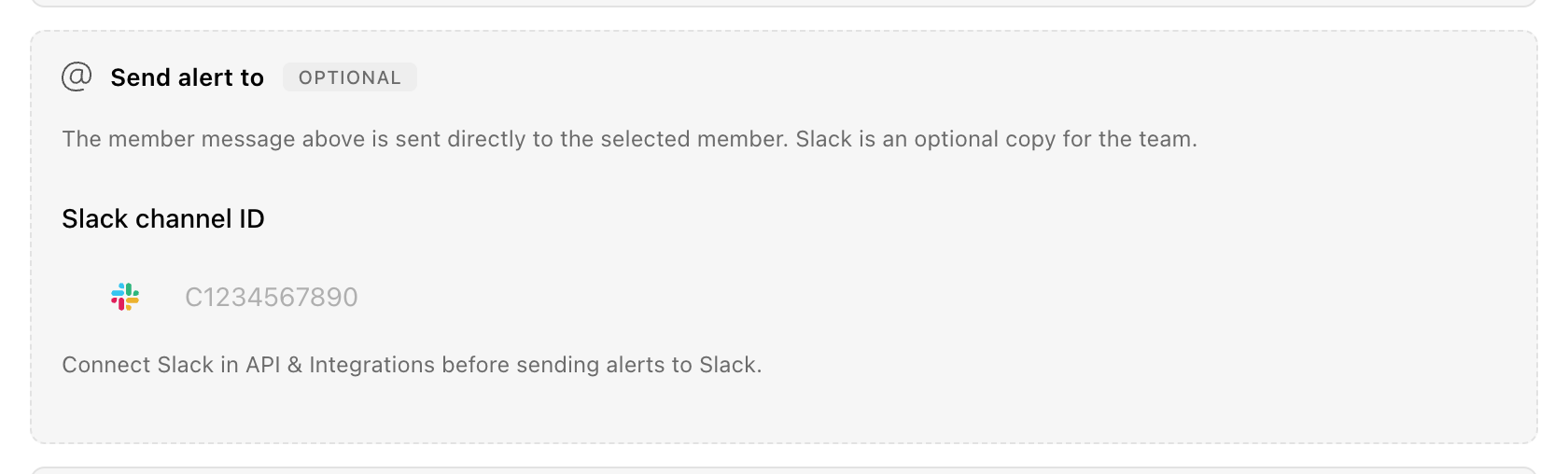
Step 7 (optional): To also send the alert to Slack, enter the Slack channel ID in the Slack channel ID field. To use this option, make sure your Slack workspace is connected to Hellotracks. To learn how to connect Slack, click here.
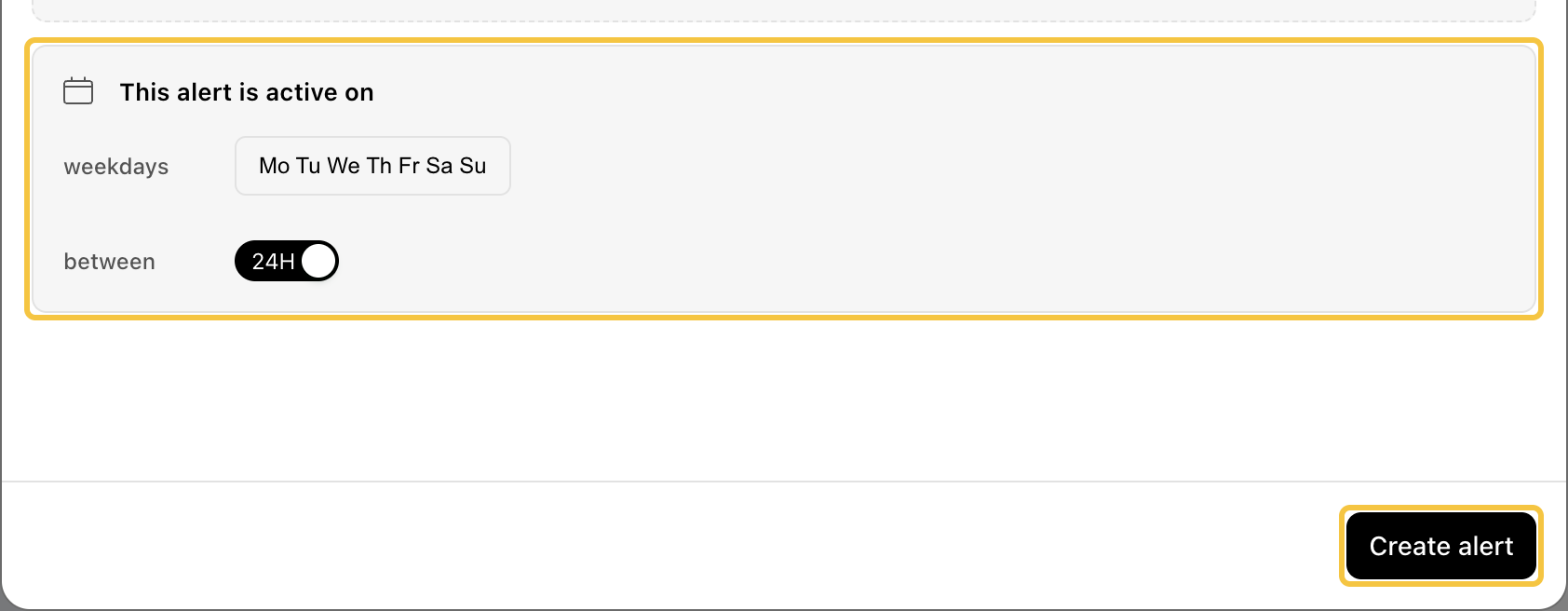
Step 8: Select when the alert should be active by choosing the weekdays and setting the active time, then click Create alert.