How to Enable Job Groups in Dispatch
This guide shows Administrators how to enable Job Groups in Dispatch to organize Jobs into groups for easier management and tracking.
Step 1: Click the dropdown menu next to your profile and select Company. Or, go to Settings at the bottom of the main menu and select Company Settings.

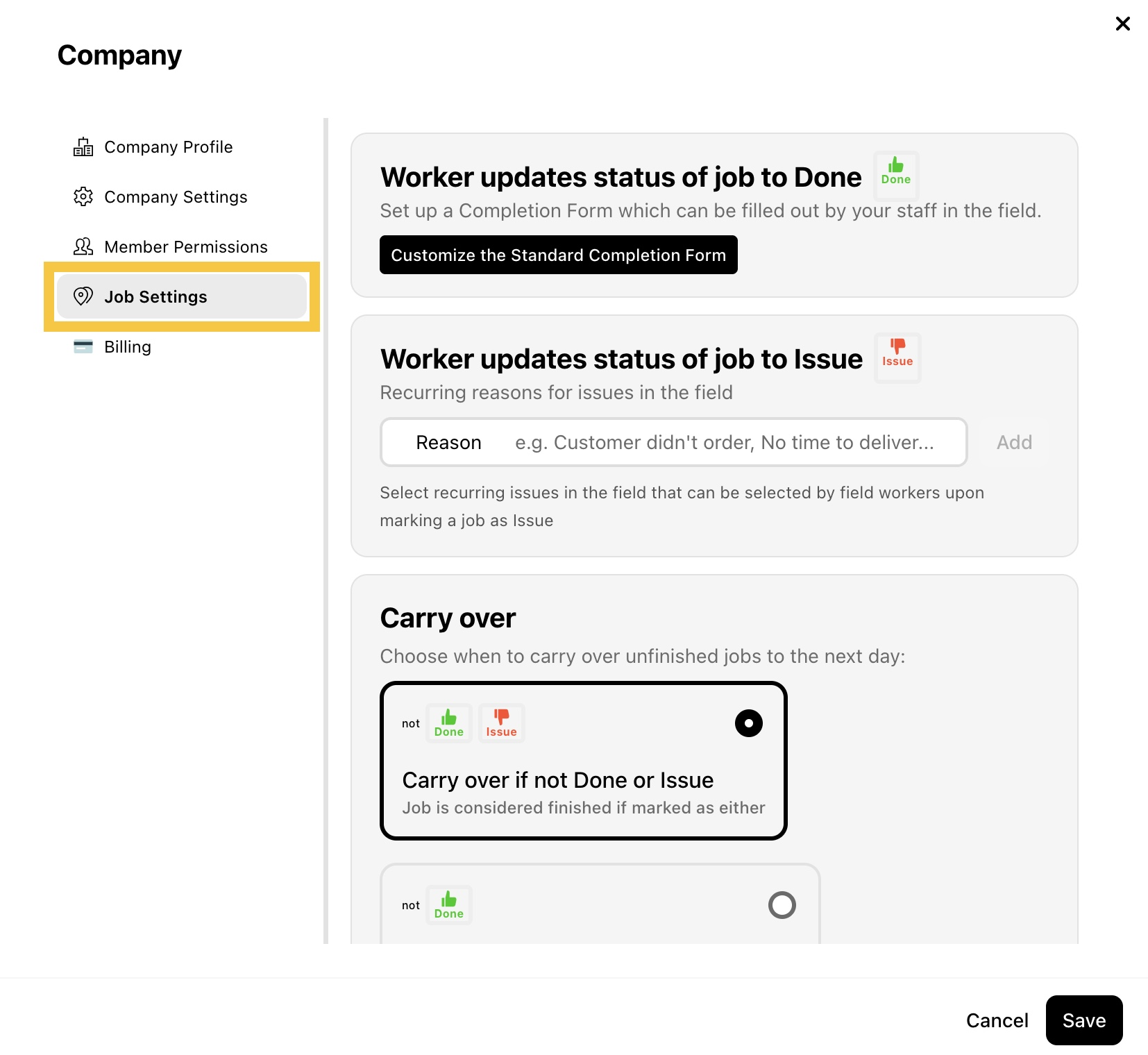
Step 2: Select Job Settings.
Step 3: In Job Groups, check Enable Job Groups in Dispatch.
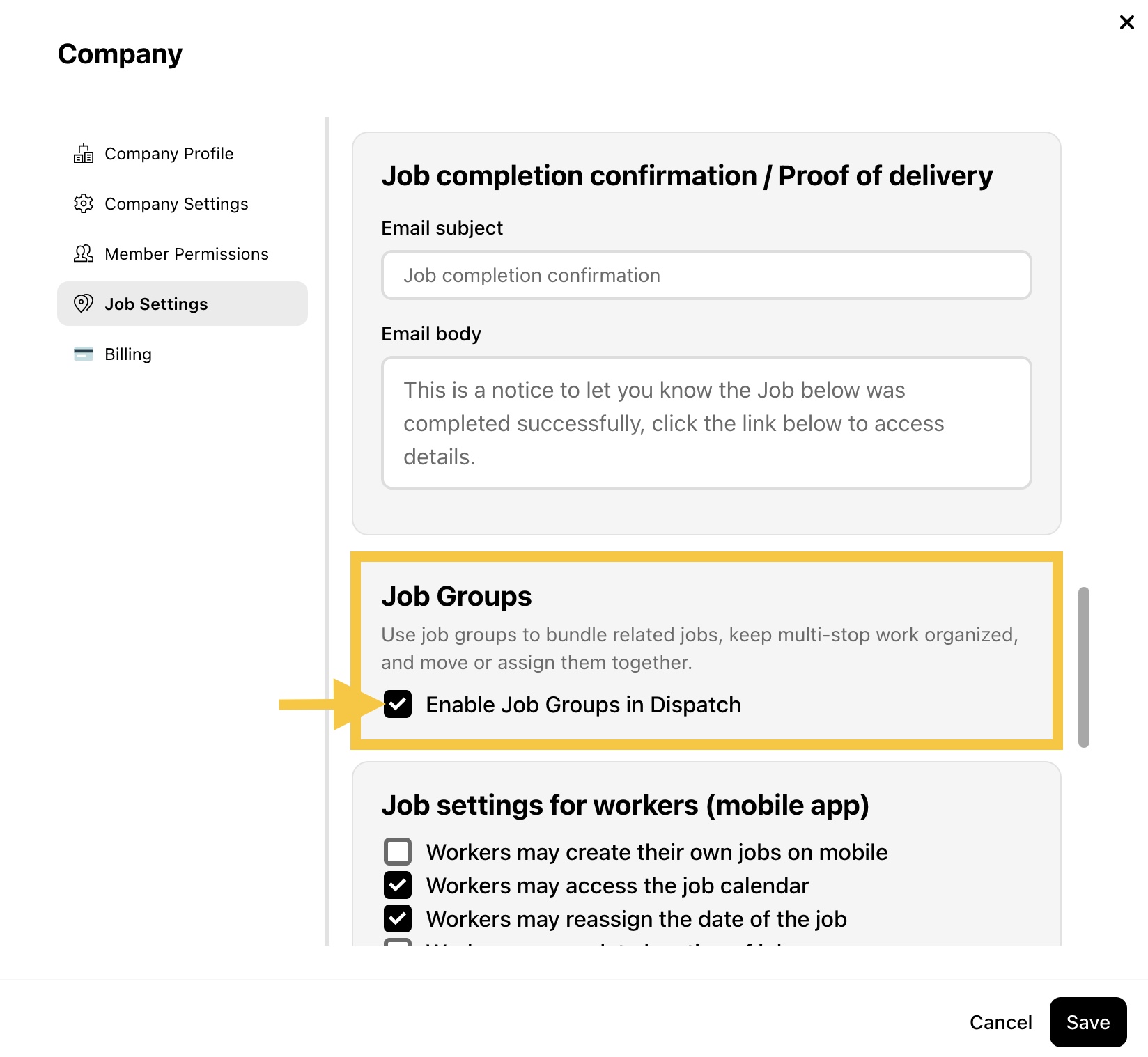
Step 4: Click Save to apply the change.