How to Reset a Password
This guide shows you how to reset your password if you've forgotten it. You can quickly and securely reset your password using the email address or username linked to your account.
Step 1: Open the Hellotracks app on your Apple or Android device.
Step 2: On the welcome screen, tap Already have an account? Log in.
Step 3: On Welcome back, tap your name if it's listed, or enter your email or username under Email or username and tap Continue.
Step 4: On the next screen, tap Forgot password? below the password field.
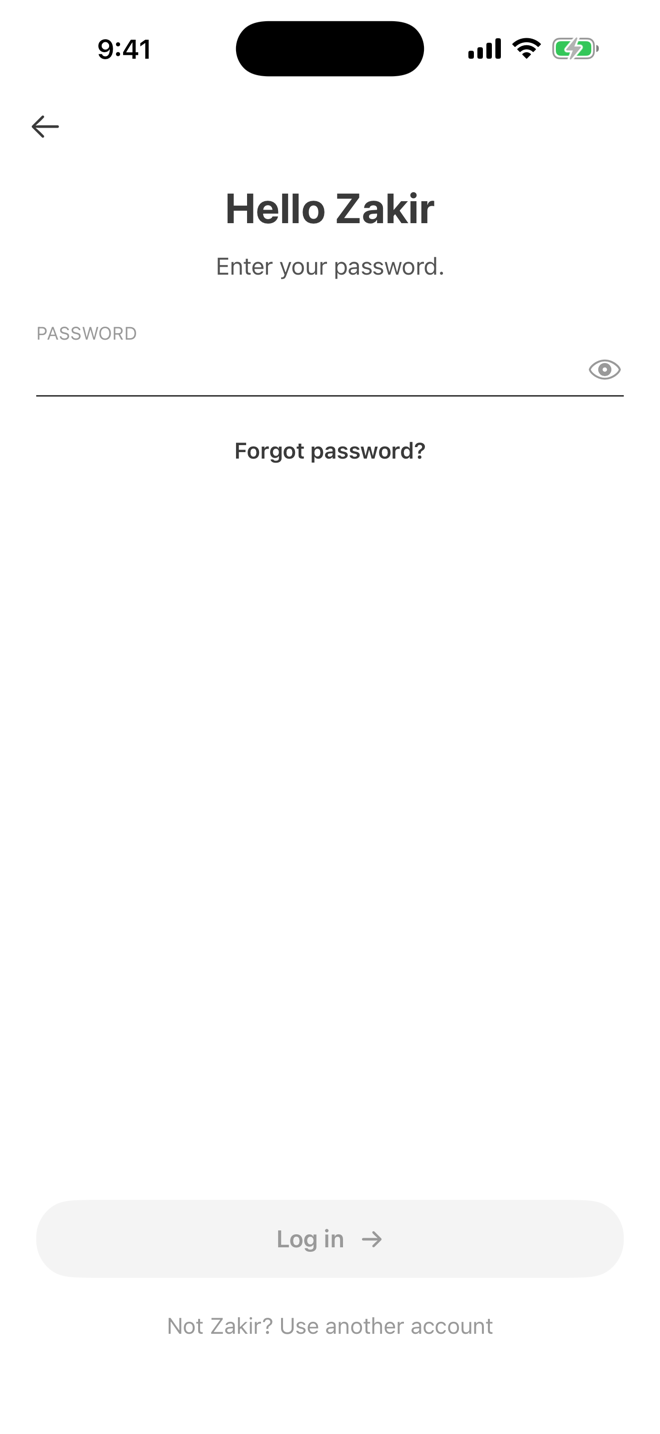


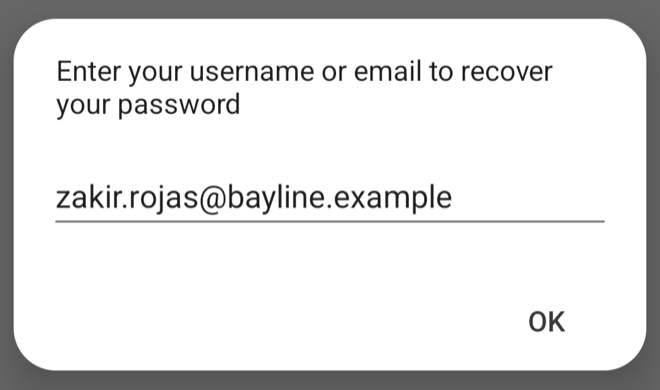
Step 5: On Android, check that your username or email is filled in and tap OK. On iPhone, the link is sent right away.
Step 6: A link is sent to your email. Open it to set a new password, then log in with it in the app.
Signed up with Google or Apple? Then your account has no password yet, and the app says so. Log in with Continue with Google (or Continue with Apple on iPhone), or tap Forgot password? to set a password.