How to Change Language, Time Zone, and Time Format
This guide shows you how to change the language, time zone, measure of length and time format for your entire company account. Hellotracks is available in English, Spanish and German.
Step 1: Click your name at the top of the main menu and select Company settings. Or, go to Settings at the bottom of the main menu and select Company settings.

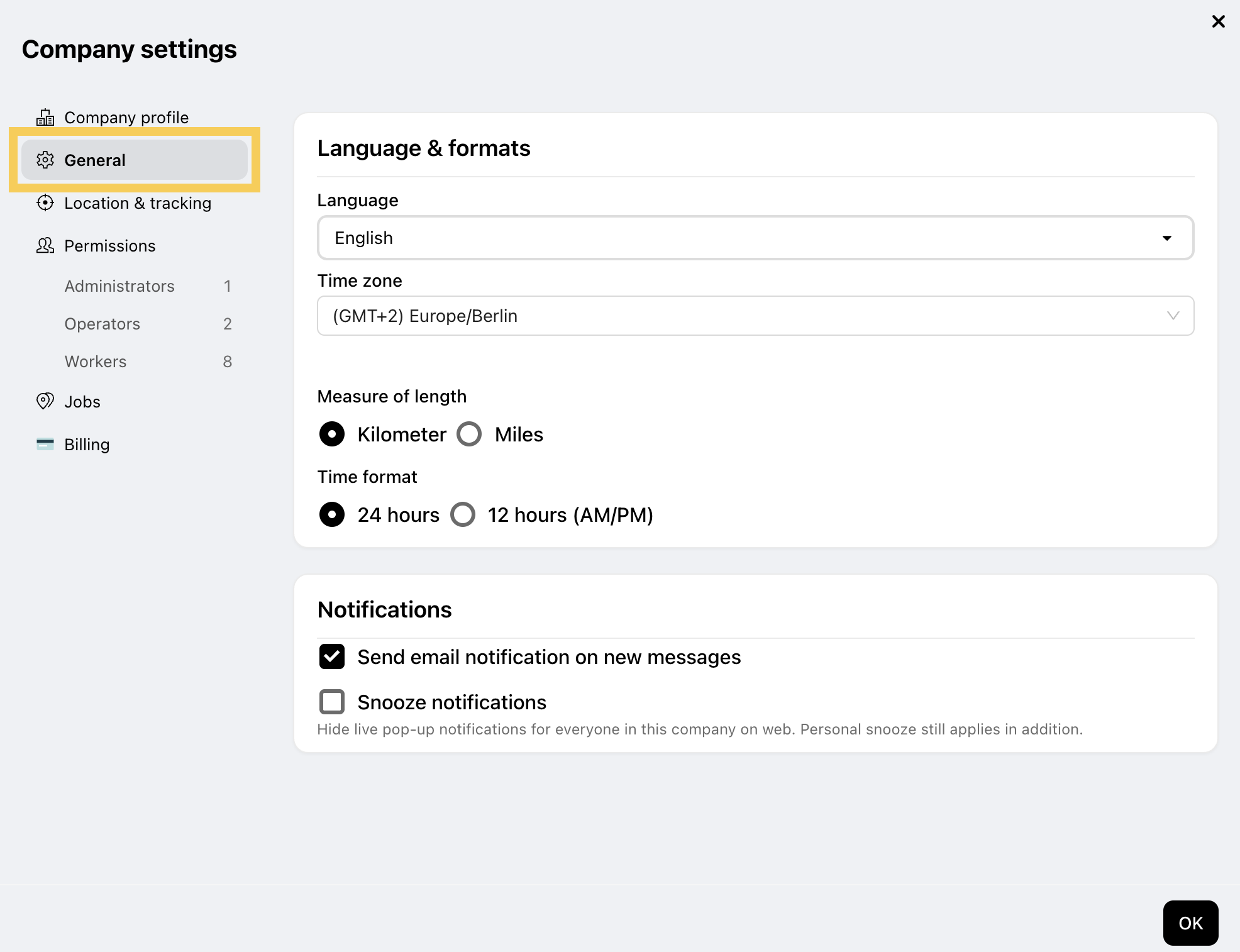
Step 2: Select General.
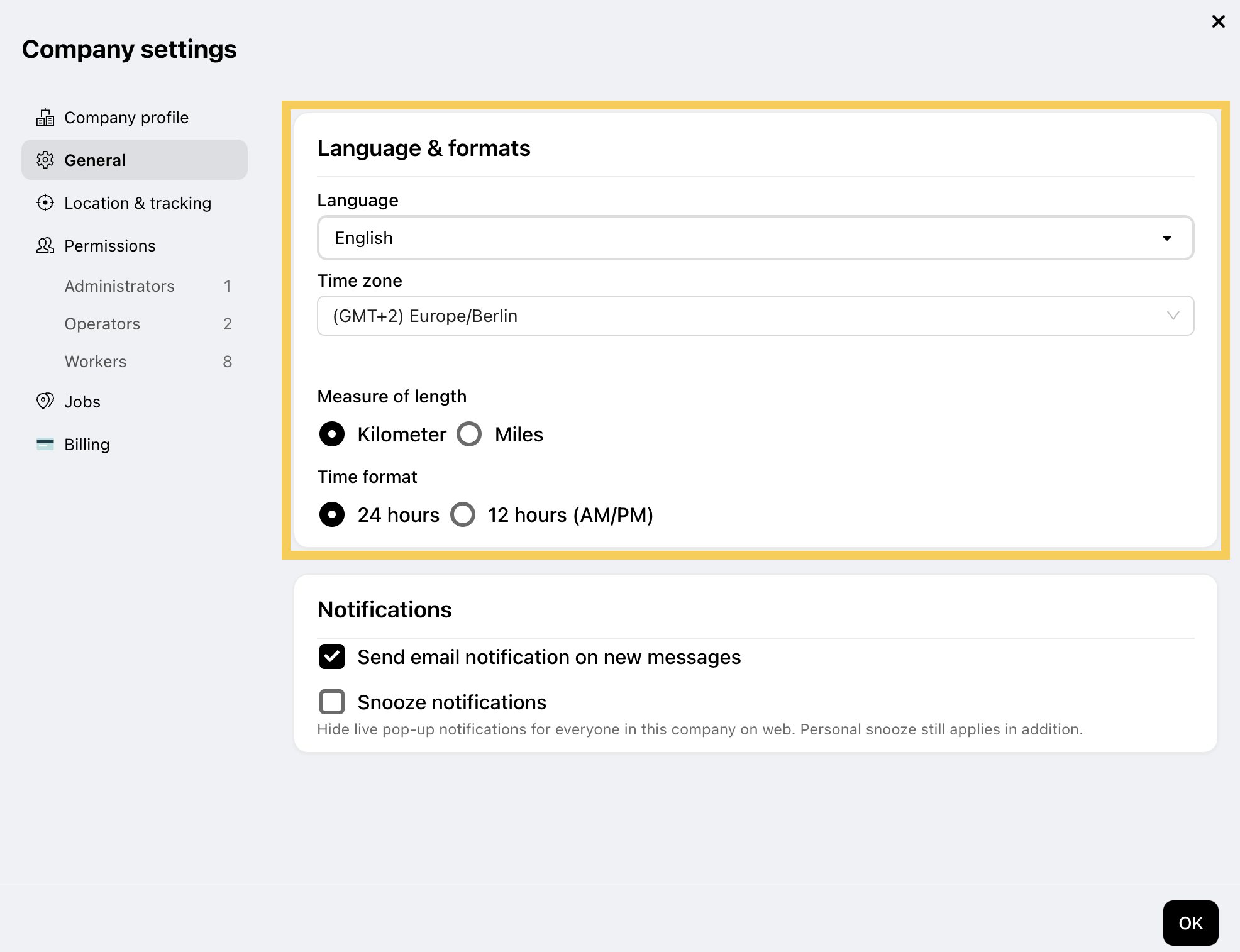
Step 3: In Language & formats, set your preferences:
- Language: select English, Español or Deutsch.
- Time zone: select your time zone so all timestamps are accurate.
- Measure of length: choose Kilometer or Miles.
- Time format: choose 24 hours or 12 hours (AM/PM).
New companies in the US start with miles and the 12-hour clock; everyone else with kilometers and 24 hours.
Step 4: Click Save to apply your changes.