How to Remove a Member from a Team
This guide explains how to remove a member from a team when they are no longer part of it or when you need to update their team assignment.
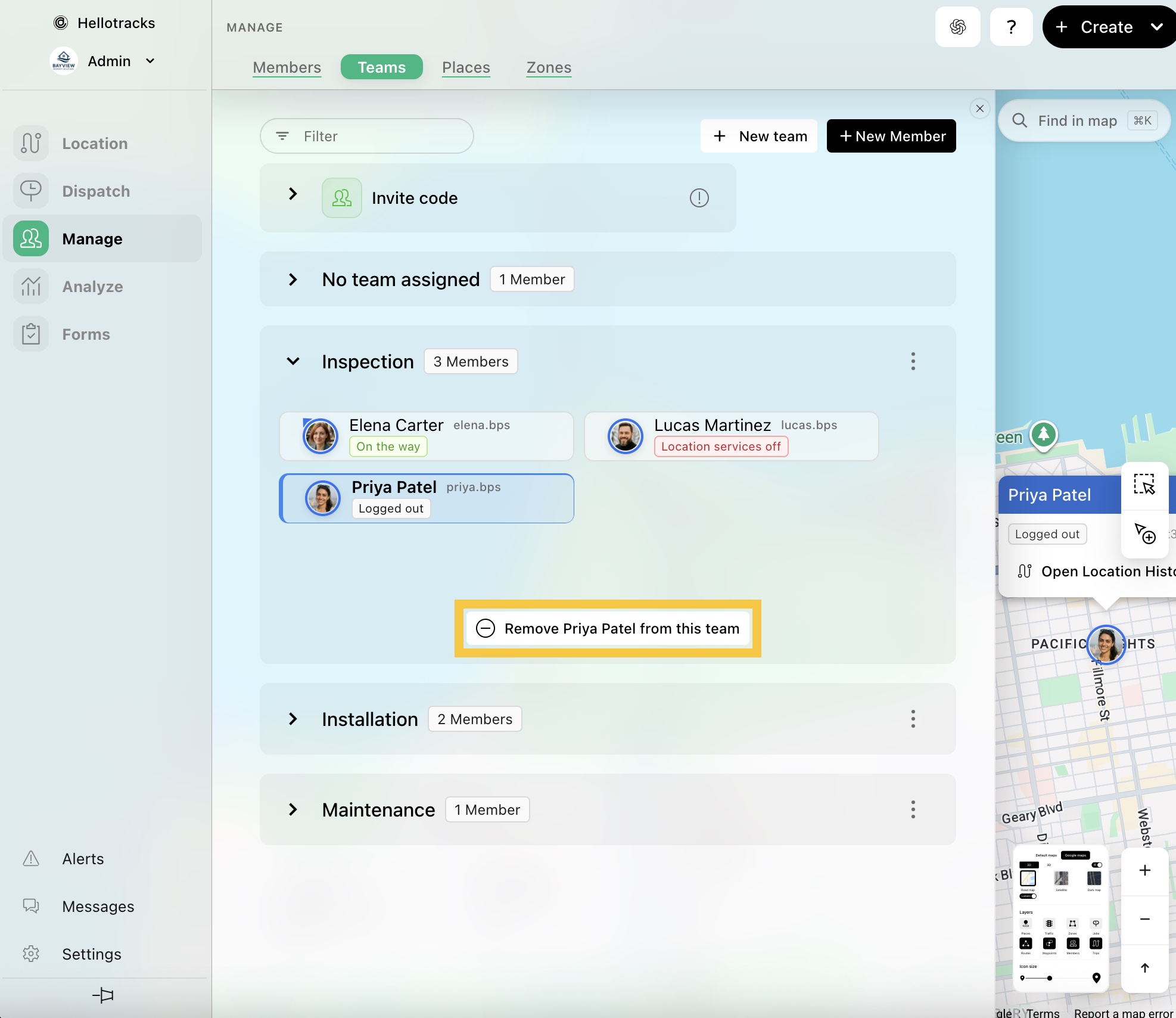
Step 1: Go to Manage from the main menu, then select Teams.

Step 2: Select the member you want to remove, then click Remove from this team.