How to Import Members
This guide shows Administrators how to import new members in bulk to their Hellotracks Business account.
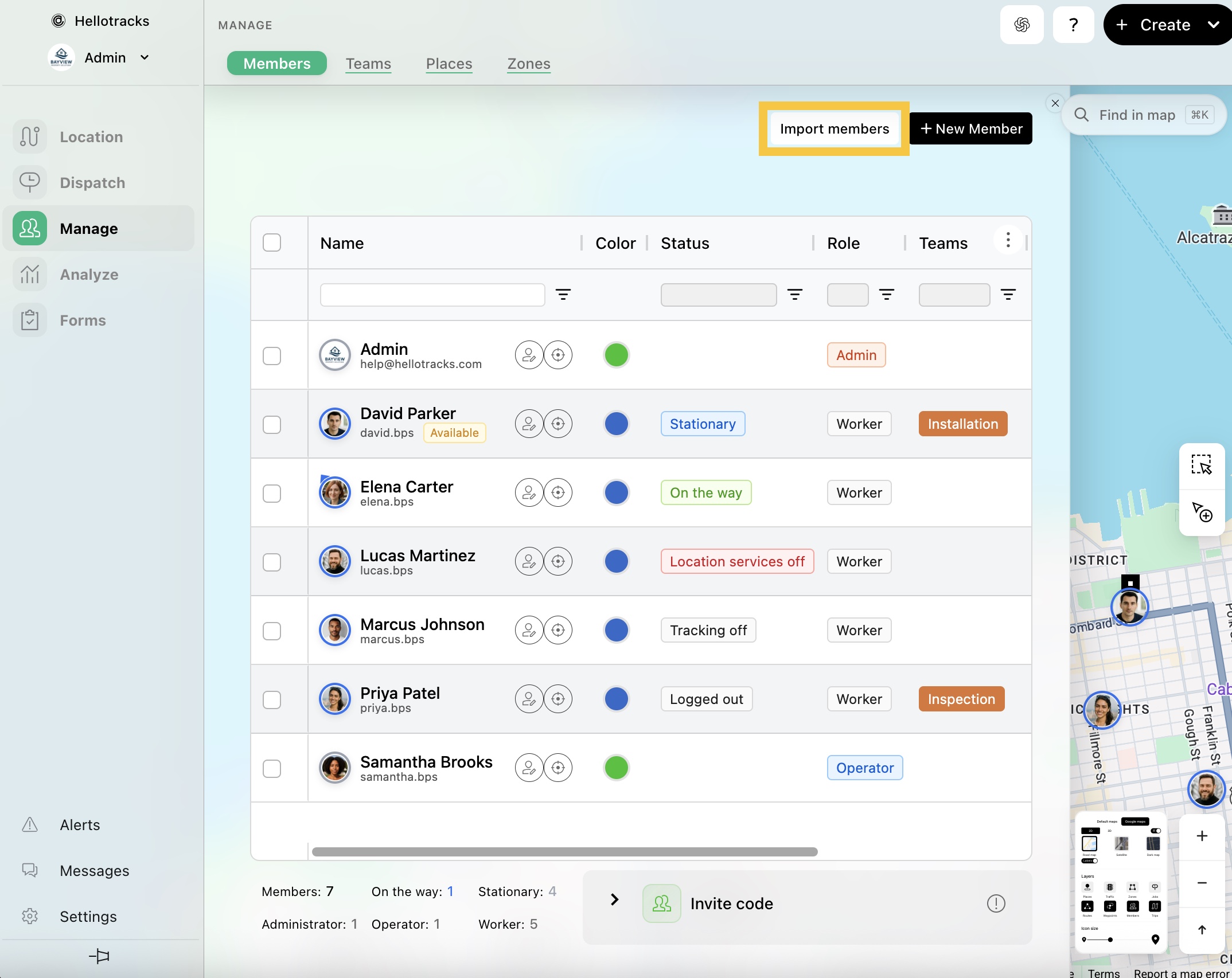
Step 1: Go to Manage from the main menu, then select Members.

Step 2: Click Import members.
Step 3: Import the information with a file upload or copy/paste the data directly into the provided spreadsheet. Make sure to add the headers: Name, Email, Phone, and Role.
The Email will be the member’s username and will receive the invitation to set up the account.

Note: You can also set a login password for each imported member by clicking Add field and selecting Password.
Step 4: Click Start Importing.

Note: If you use an identity provider, you can provision and deactivate members automatically instead of importing them. See How to Manage User Lifecycle with Okta (SCIM) or How to Manage User Lifecycle with Microsoft Entra (SCIM).