How to Log Out
This guide explains how Administrators and Operators can log out of the web dashboard.
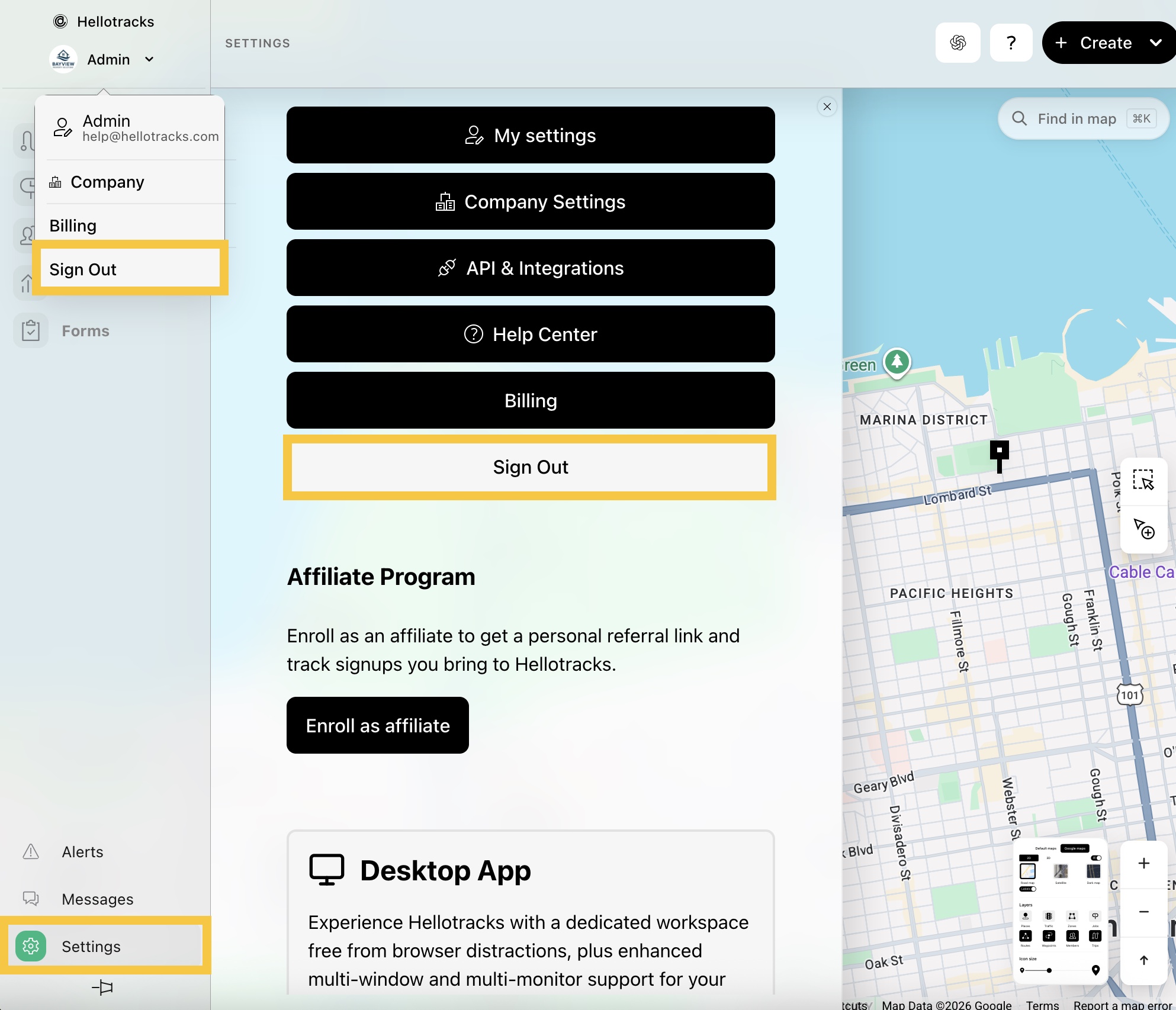
Step 1: Click the dropdown menu next to your profile and select Sign Out. Or, go to Settings at the bottom of the main menu and select Sign Out.
This guide explains how Administrators and Operators can log out of the web dashboard.
Step 1: Click the dropdown menu next to your profile and select Sign Out. Or, go to Settings at the bottom of the main menu and select Sign Out.
Still need help? Contact Us Contact Us