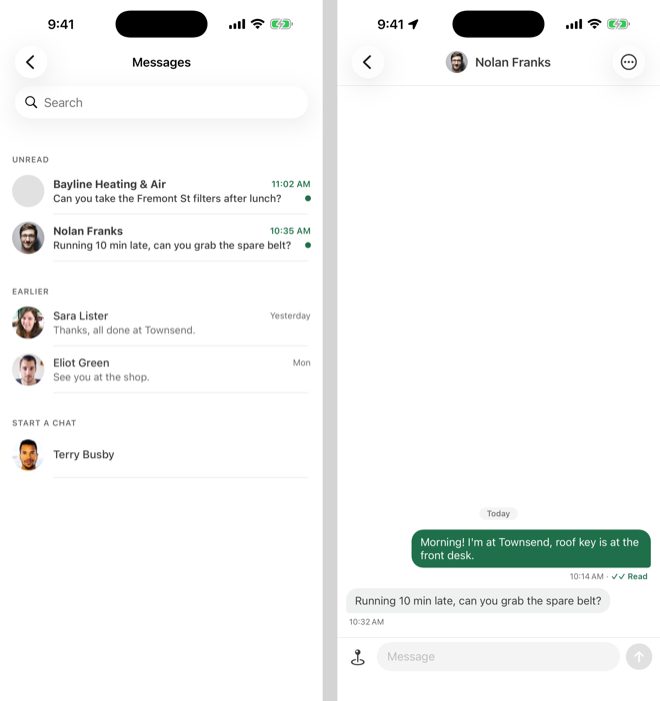
How to Send a Message
This guide shows you how to send a message to your team members from the mobile app. The in-app messaging feature allows for quick and private communication with your team, helping you stay connected without leaving the app.
Step 1: Open the Hellotracks app on your Apple or Android device.
Step 2: Tap You (your picture with your first name) in the bar at the bottom. A red number on your picture shows how many messages you haven't read.
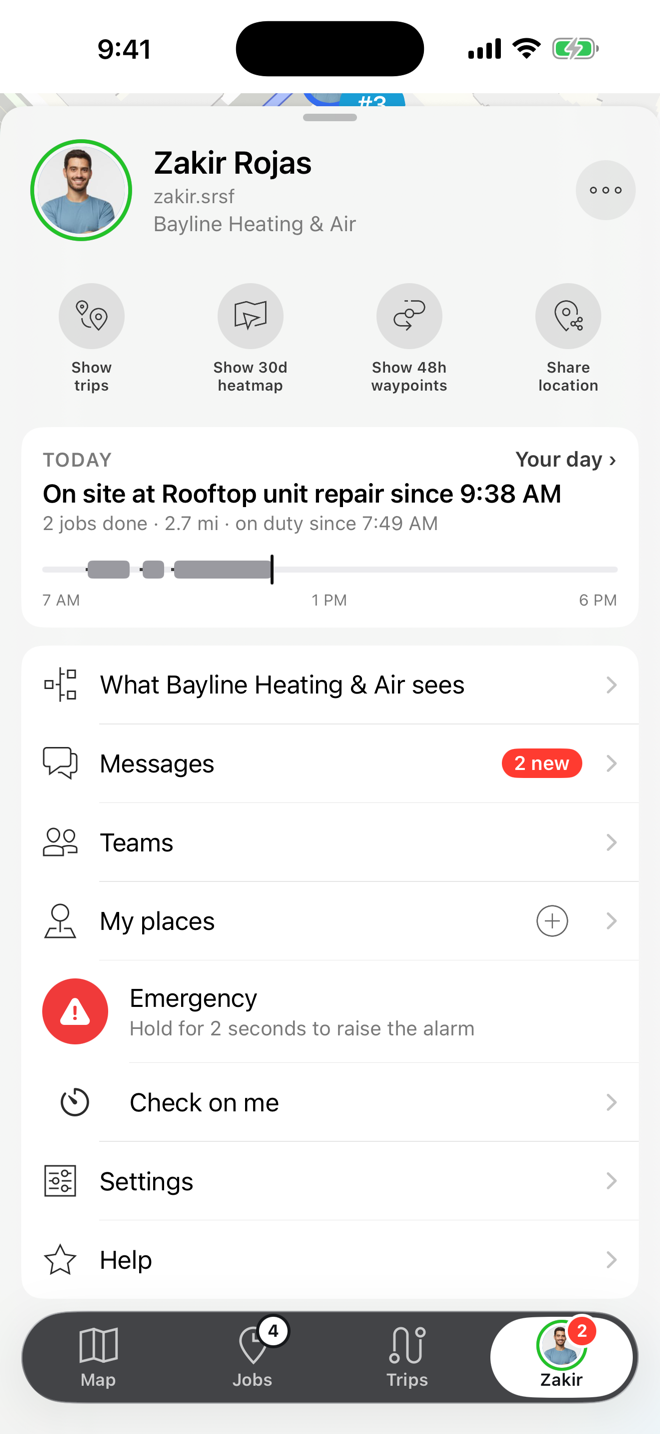
Step 3: Tap Messages.
Step 4: Tap a conversation, or tap a person under Start a chat. Type your message and tap the send arrow.